Introduction: Why Social Media Accounts Are Prime Targets
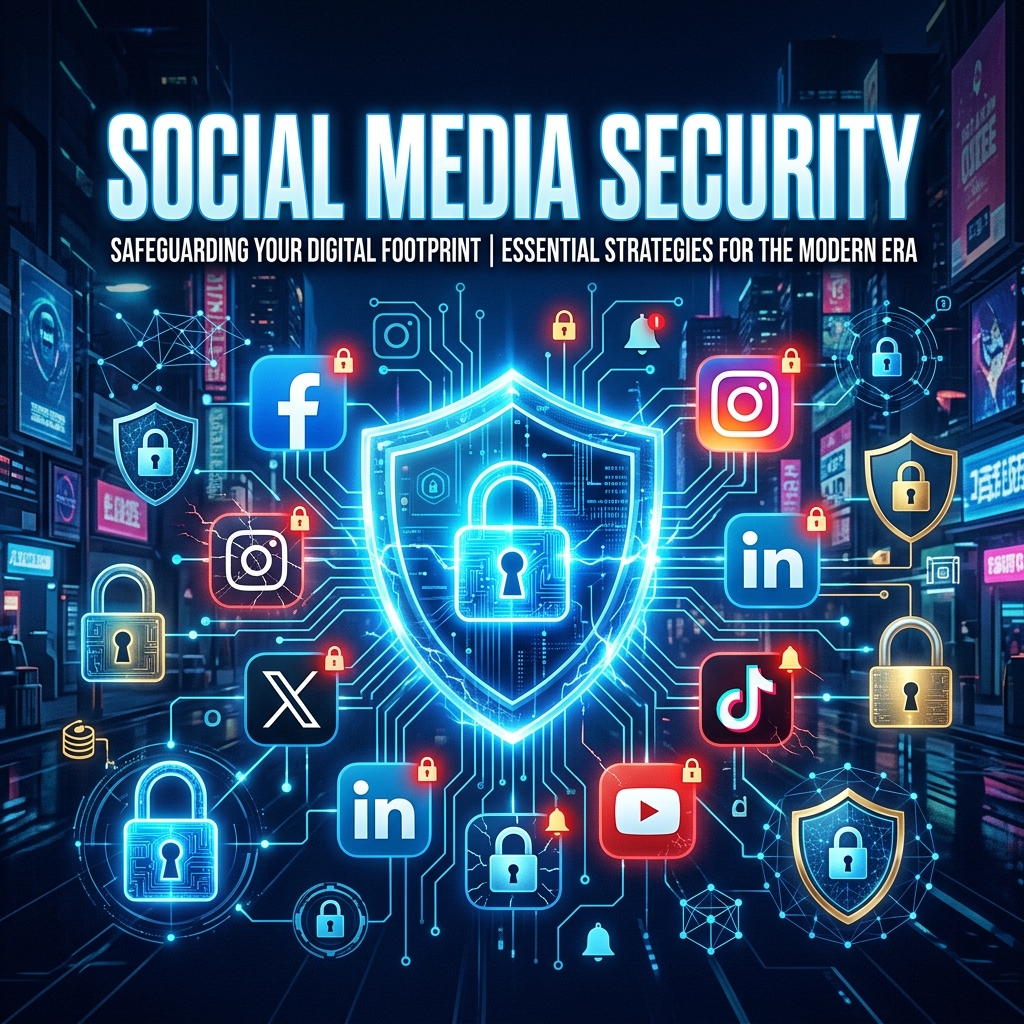
Social media platforms have become central hubs of our digital identities. Your Facebook, Instagram, X (formerly Twitter), and LinkedIn accounts contain years of personal history, private conversations, photos, and connections. For cybercriminals, a compromised social media account is a goldmine — it can be used to impersonate you, scam your friends, extract sensitive information, and even hijack other accounts linked to the same email address.
In 2026, the threat landscape for social media is more sophisticated than ever. Automated bots, AI-generated phishing messages, and credential stuffing attacks target millions of accounts daily. The good news is that a few simple but deliberate habits can reduce your risk by over 90 percent.
Step 1: Use a Strong, Unique Password for Every Platform
The single most common cause of account takeover is password reuse. If you use the same password for your social media account that you used for a random forum or a shopping site, and that site suffers a data breach, attackers will immediately try that email and password combination on every major social platform. This automated attack is known as credential stuffing, and it works at scale.
The fix is straightforward: every single account should have a unique, complex password generated by a password manager. Your social media passwords should be at least 16 characters long and include a mix of uppercase and lowercase letters, numbers, and symbols. Use our Password Generator tool to create uncrackable passwords instantly.
Step 2: Enable Two-Factor Authentication (2FA) Everywhere
A password alone is no longer sufficient. Two-factor authentication adds a second layer of security — typically a temporary code sent to your phone or generated by an authenticator app. Even if a hacker obtains your password, they cannot log in without this second factor.
Prefer an authenticator app (such as Google Authenticator, Authy, or Microsoft Authenticator) over SMS-based 2FA, as SIM-swapping attacks have become increasingly common. For a deeper explanation, read our guide on Two-Factor Authentication: Why You Need It and How to Enable It.
Step 3: Audit Your Privacy and Security Settings
Each social media platform offers a settings section dedicated to security and privacy. You should review these settings at least once every three months:
- Login alerts: Enable notifications for unrecognized logins.
- Active sessions: Review and revoke any sessions from devices or locations you do not recognize.
- Connected apps: Revoke access for third-party applications you no longer use or do not trust.
- Profile privacy: Set your profile to private or friends-only where possible.
- Tagging permissions: Control who can tag you and review tags before they appear.
Step 4: Recognize Phishing Attempts Targeting Social Media
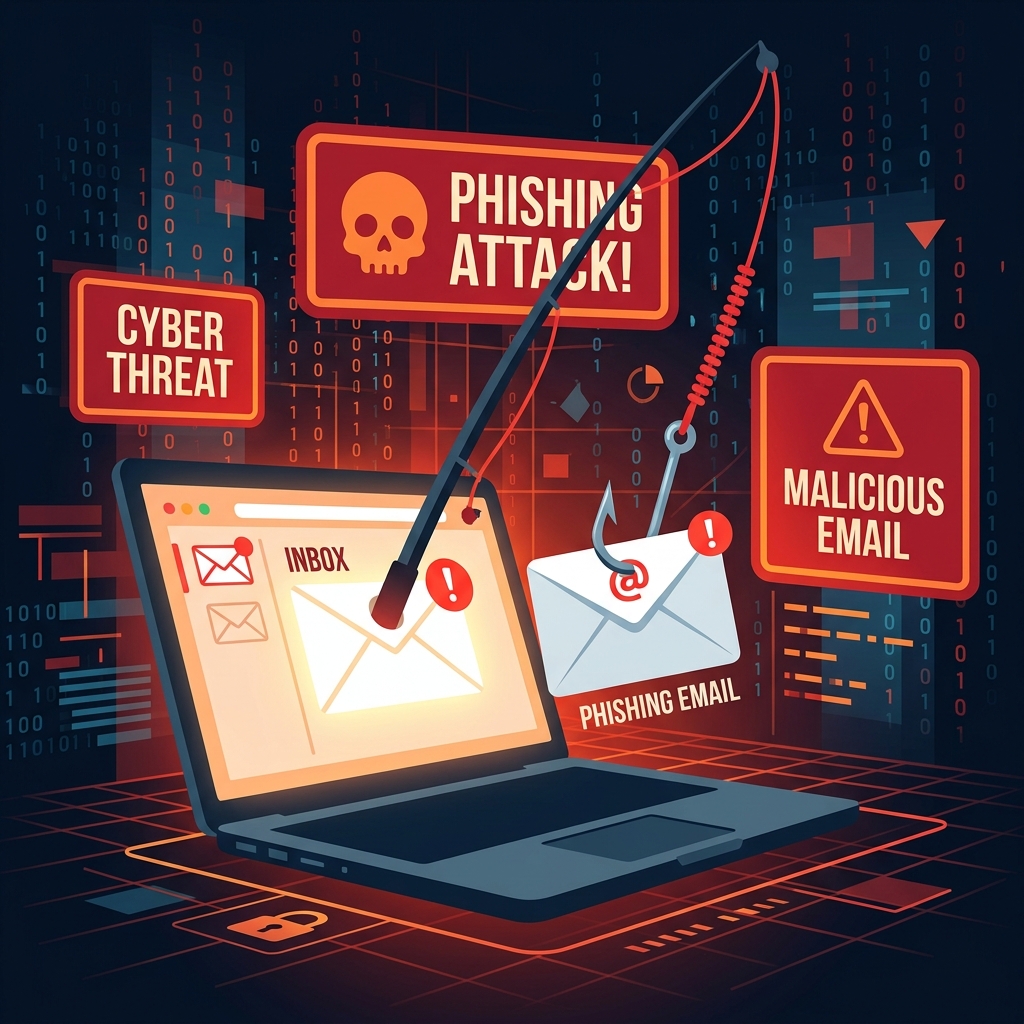
Phishing on social media has evolved well beyond the "you won a prize" messages of the past. Modern attackers create fake login pages that look identical to the real platform, send direct messages that appear to come from friends, and even use AI-generated video and voice deepfakes to impersonate people you trust.
If you receive an unexpected message from a friend asking for money or login credentials, verify through a separate communication channel before responding. If you receive an email claiming your account will be suspended unless you click a link, navigate directly to the platform by typing the URL into your browser instead of clicking the link. For more tips, see our guide on How to Spot a Phishing Attempt.
Step 5: Limit What You Share Publicly
The less personal information you share publicly, the harder it is for attackers to impersonate you or answer your security questions. Avoid posting your full date of birth, home address, phone number, or answers to common security questions (such as your mother's maiden name or your pet's name) on your profile.
Step 6: Use a Temporary Email for Social Media Tests
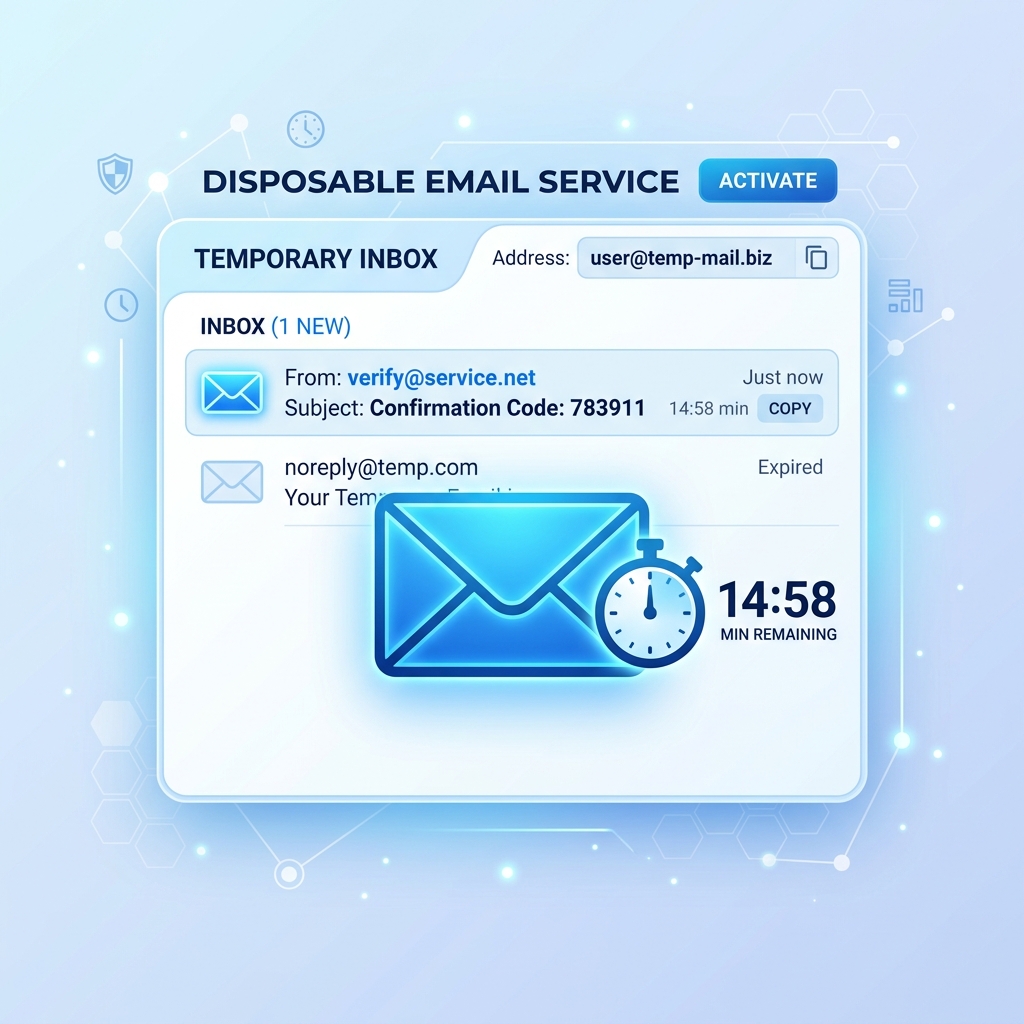
If you want to create a secondary or test account on any social platform for privacy reasons, use a disposable email address instead of your primary one. This ensures that your main email remains protected and that any spam or phishing targeting that secondary account never reaches your primary inbox. Generate a free temporary inbox at Tem-pmail.com before signing up.
Conclusion
Protecting your social media accounts does not require advanced technical skills. It requires awareness, consistency, and the right tools. Use unique passwords, enable 2FA everywhere, audit your settings regularly, stay vigilant against phishing, and be intentional about what you share publicly. These habits, combined with a privacy-first mindset, will keep your accounts secure in 2026 and beyond.
For further reading, check out our article on 10 Essential Cybersecurity Tips Everyone Should Follow in 2026 and the CISA Cybersecurity Best Practices guide.