Introduction: Why Passwords Are No Longer Enough
Every year, billions of passwords are exposed in data breaches. Even if you follow every best practice — unique passwords, regular rotation, no dictionary words — your accounts remain vulnerable. Why? Because the websites and services you trust can still be hacked. When a company suffers a breach, your password may be exposed regardless of how strong it is.
Two-factor authentication (2FA) solves this problem. By requiring a second piece of evidence beyond your password, 2FA ensures that knowledge of your password alone is insufficient to access your account. In 2026, 2FA is no longer optional for anyone serious about security — it is essential.
What Is Two-Factor Authentication?
Two-factor authentication is a security process that requires two distinct forms of identification before granting access. These factors fall into three categories:
- Something you know: Your password or PIN.
- Something you have: A physical device such as your phone, a hardware security key, or an authenticator app.
- Something you are: A biometric factor such as your fingerprint or face scan.
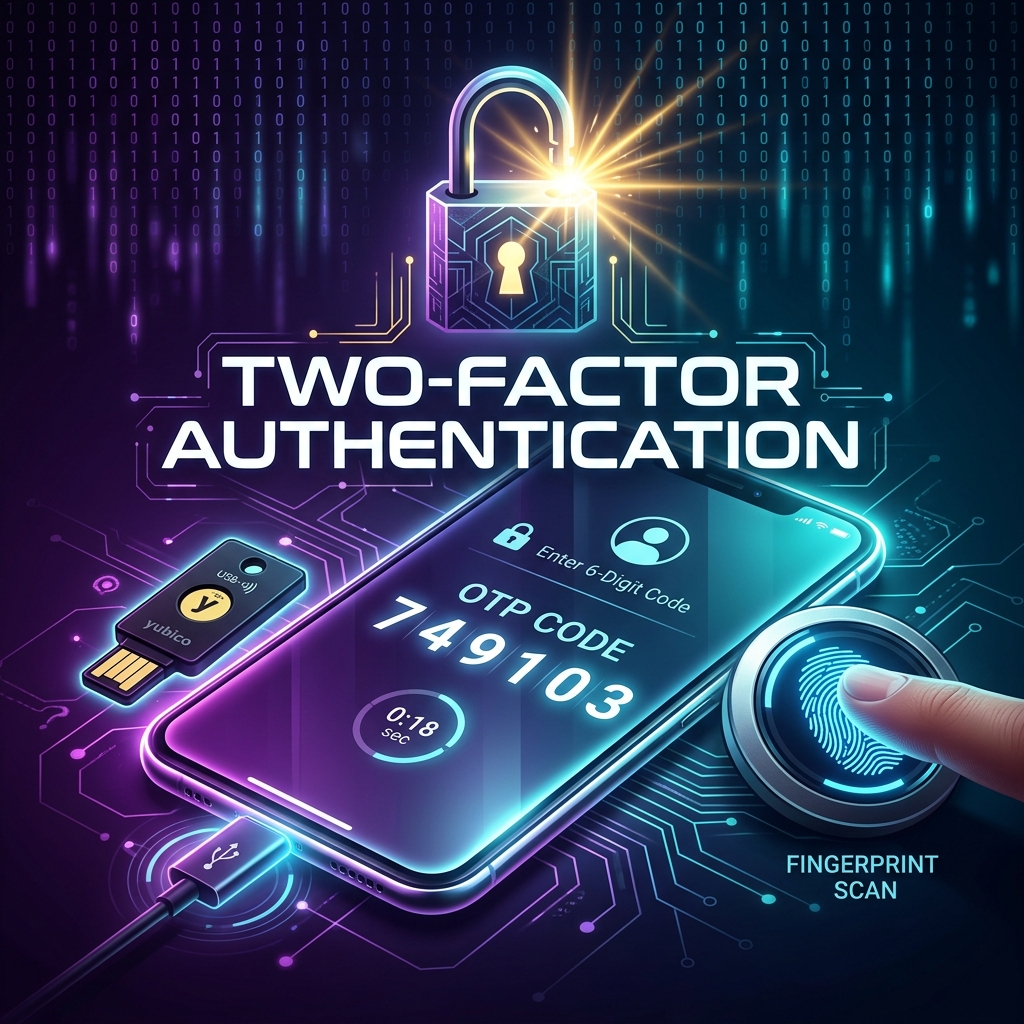
2FA combines two of these factors. The most common implementation pairs a password (something you know) with a time-based one-time passcode generated by an app on your phone (something you have).
The Different Types of 2FA
SMS-Based 2FA
A code is sent to your phone via text message. This is the most widely available form of 2FA, but also the least secure. SSIM-swapping attacks, where a hacker convinces your mobile carrier to transfer your number to a SIM card they control, can bypass SMS 2FA entirely. Use SMS-based 2FA only when no other option is available.
Authenticator App 2FA
Apps like Google Authenticator, Authy, or Microsoft Authenticator generate time-based codes on your device without requiring an internet connection. These codes change every 30 seconds and are significantly more secure than SMS. This is the recommended method for most users.
Hardware Security Keys
A physical device (such as a YubiKey or Google Titan key) that you plug into your computer or tap against your phone to authenticate. Hardware keys are the gold standard of 2FA — they are resistant to phishing, malware, and remote attacks. They are ideal for high-value accounts such as email, password managers, and financial services.
Biometric Authentication
Fingerprint scanners, facial recognition, and iris scanners are increasingly used as a second factor, especially on mobile devices. While convenient, biometrics should always be paired with a password or PIN as the primary factor.
How to Enable 2FA on Major Platforms
Google / Gmail
- Go to your Google Account settings.
- Navigate to Security > 2-Step Verification.
- Click "Get Started" and follow the prompts to add a phone number or authenticator app.
Apple ID
- On your iPhone or iPad, go to Settings > [Your Name] > Password & Security.
- Tap "Turn On Two-Factor Authentication."
- Confirm your trusted phone number.
Facebook / Instagram
- Open Settings & Privacy > Security and Login.
- Scroll to "Two-Factor Authentication" and click "Edit."
- Choose your preferred method: authenticator app or SMS.
X (formerly Twitter)
- Go to Settings and Privacy > Security and Account Access > Security.
- Select "Two-Factor Authentication."
- Choose between text message, authenticator app, or security key.
What Happens If You Lose Your 2FA Device?
This is the number one concern people have about enabling 2FA. The solution is preparation:
- Save backup codes provided during setup in a secure location (a password manager or a safe).
- Set up 2FA on multiple devices when possible.
- Use an app like Authy that supports encrypted cloud backups of your 2FA tokens.
2FA and Temporary Emails: A Perfect Pair
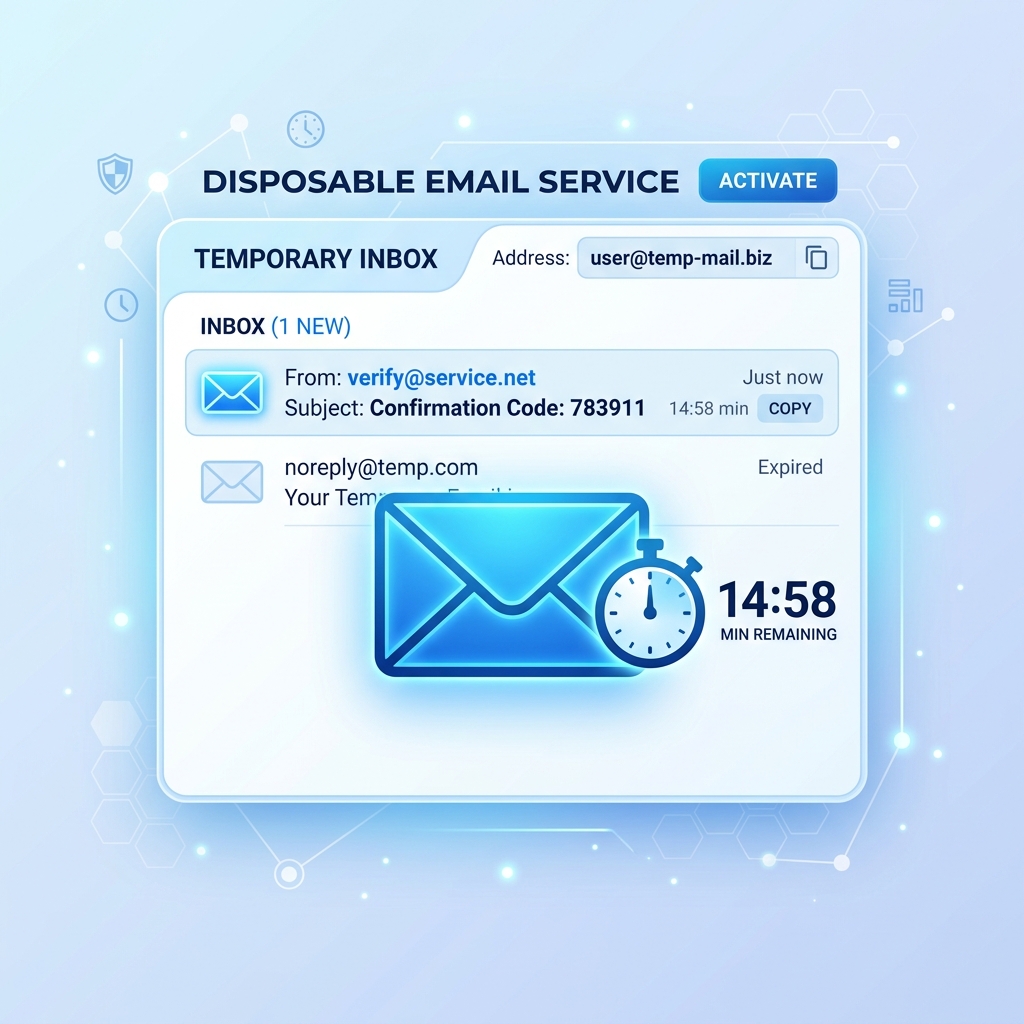
Using a temporary email address for less critical registrations combined with 2FA on your primary accounts creates a layered defense. Even if a secondary account is compromised, your primary accounts remain protected by the second factor. Learn more about this approach in our guide on Is Temporary Email Safe to Use?.
Conclusion
Two-factor authentication is the single most effective step you can take to secure your online accounts. It transforms your password from a single point of failure into just one part of a multi-layered defense. Enable it today on your email, social media, financial, and password manager accounts. The few minutes it takes to set up could save you months of recovery from an account takeover.
For a comprehensive overview of authentication best practices, visit the NIST Digital Identity Guidelines.