What Is Phishing and Why Is It So Dangerous?
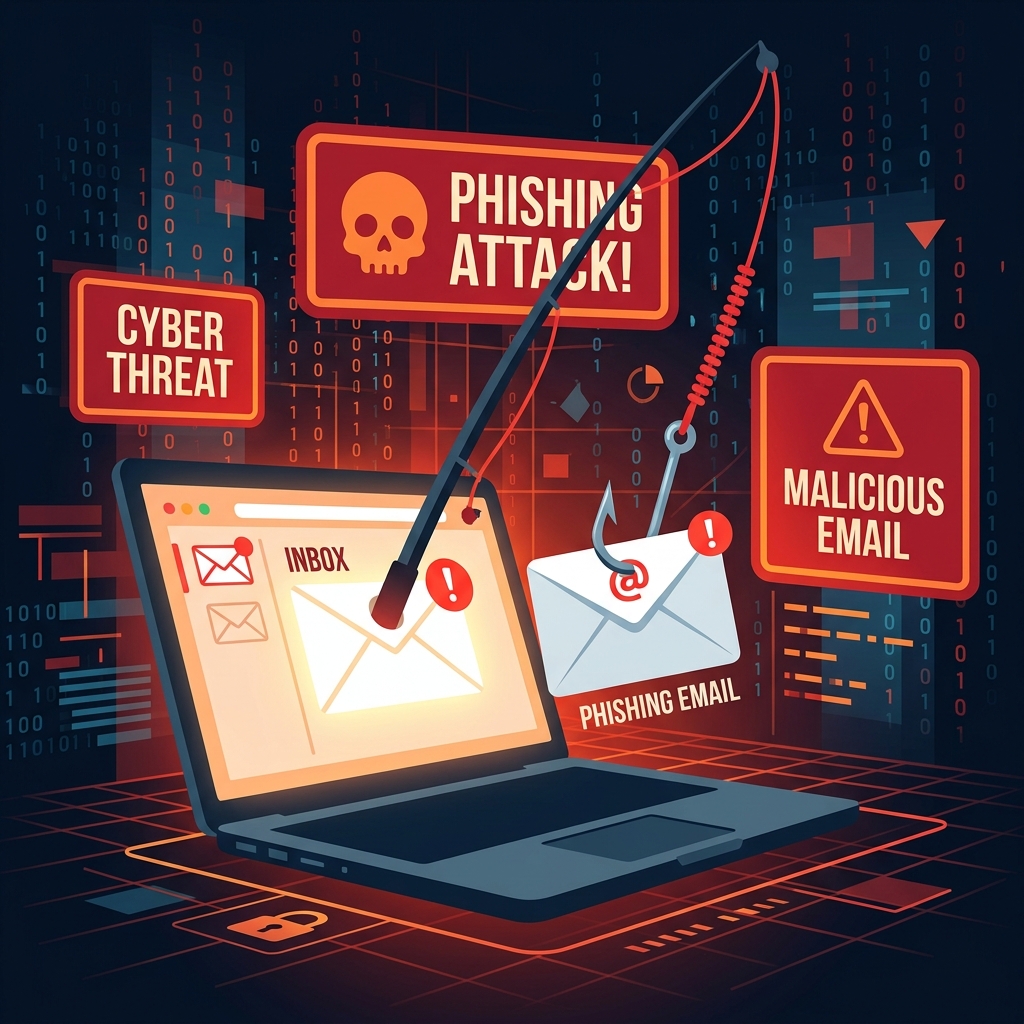
Phishing is a type of cyberattack where criminals impersonate legitimate companies or individuals to trick you into revealing sensitive information — passwords, credit card numbers, social security numbers, or account credentials. Unlike malware that exploits technical vulnerabilities, phishing exploits human psychology. That's what makes it so effective and so dangerous.
In 2025 alone, phishing attacks cost businesses and individuals an estimated $3.5 billion globally. And with AI now enabling criminals to write near-perfect phishing emails at scale, the threat has never been greater.
The Anatomy of a Phishing Email
Understanding how phishing emails are constructed is your first line of defense. Most successful phishing attempts contain several common elements:
- A sense of urgency: "Your account will be suspended in 24 hours!" or "Immediate action required."
- A spoofed sender: The display name says "PayPal Security" but the actual email address is something like paypa1-security@gmail.com.
- A suspicious link: The link text looks real, but hovering over it reveals a completely different URL.
- Generic greetings: "Dear Customer" instead of your actual name (though AI is making personalized phishing more common).
- Requests for sensitive information: Legitimate companies never ask for your password via email.
How to Check If an Email Is Legitimate
Verify the Sender's Email Address
Look beyond the display name. Click on the sender's name to reveal the full email address. Legitimate companies use their own domain (e.g., support@paypal.com), never public email services like Gmail or Yahoo. Watch out for slight misspellings: paypal.com vs paypa1.com.
Hover Before You Click
Never click a link in an email without first hovering over it to see the destination URL. If the URL looks unfamiliar, has random characters, or doesn't match the company's official domain, do not click it. Instead, navigate directly to the company's website by typing it into your browser.
Check for Grammar and Spelling Errors
While AI has made phishing emails more polished, many still contain subtle errors. Inconsistent capitalization, awkward phrasing, and formatting inconsistencies are red flags. Legitimate companies proof their communications carefully.
Look for HTTPS — But Don't Trust It Blindly
Many people believe that a padlock (HTTPS) in the browser means a site is safe. This is a dangerous misconception. HTTPS only means your connection to the site is encrypted — it says nothing about whether the site itself is fraudulent. Phishing sites frequently use HTTPS to appear trustworthy.
Types of Phishing to Know
Spear Phishing
Unlike generic phishing, spear phishing is highly targeted. Attackers research their victim on social media, LinkedIn, and company websites, then craft a personalized message referencing real names, colleagues, or recent events. These attacks are significantly harder to detect and are primarily aimed at corporate employees and executives.
Smishing (SMS Phishing)
Phishing via text message is increasingly common. You may receive an SMS claiming to be from your bank, a delivery company, or a government agency, with a link to a fake website. Treat unexpected text messages with the same skepticism as emails.
Vishing (Voice Phishing)
Attackers call victims, claiming to be from technical support, the IRS, or a bank. They use social engineering to extract sensitive information or instruct victims to install remote access software. Never provide personal information to an unsolicited caller.
Protecting Yourself from Phishing
Use a Temporary Email for Sign-Ups
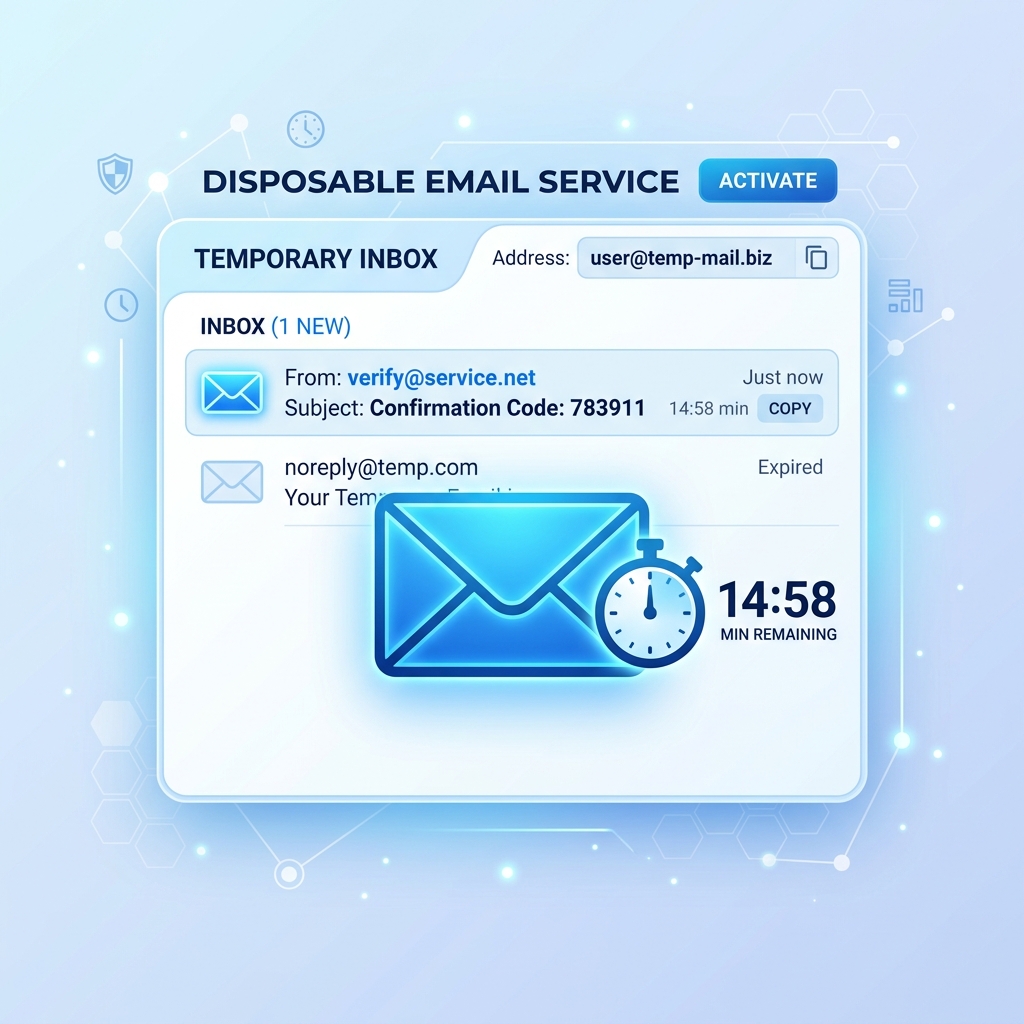
One effective strategy for reducing your phishing exposure is to use a temporary email address when signing up for new services. If a phishing email arrives at your temporary address, your real inbox remains protected. Read more about this in our guide to temporary emails in 2026.
Enable Multi-Factor Authentication
Even if a phisher obtains your password, MFA prevents them from accessing your account. Use an authenticator app rather than SMS-based 2FA for better security.
Report Suspected Phishing Emails
Most email clients have a "Report Phishing" button. Use it. Reporting helps train spam filters and protects other users from the same attack. You can also forward phishing emails to the Anti-Phishing Working Group at reportphishing@apwg.org.
What to Do If You've Already Clicked
If you believe you've fallen for a phishing attack, act immediately:
- Disconnect from the internet to prevent further data transfer.
- Change your password on the affected account and any other accounts using the same password.
- Enable MFA on the affected account immediately.
- Contact your bank if financial information was involved.
- Run a full antivirus scan on your device.
- Monitor your accounts for unusual activity over the following weeks.
Conclusion
Phishing attacks succeed because they target human instincts — fear, urgency, and trust. By slowing down, verifying before clicking, and using protective tools like temporary email addresses, you dramatically reduce your risk. Awareness is your most powerful defense. Stay vigilant, stay skeptical, and never let urgency override caution.