Cybersecurity Doesn't Have to Be Complicated
Many people assume that proper cybersecurity requires technical expertise, expensive software, or hours of configuration. In reality, the most impactful security improvements come from simple behavioral changes and a handful of free or low-cost tools. The ten tips below are accessible to everyone, regardless of technical background, and together they form a robust foundation for digital security in 2026.
Tip 1: Use a Unique, Strong Password for Every Account
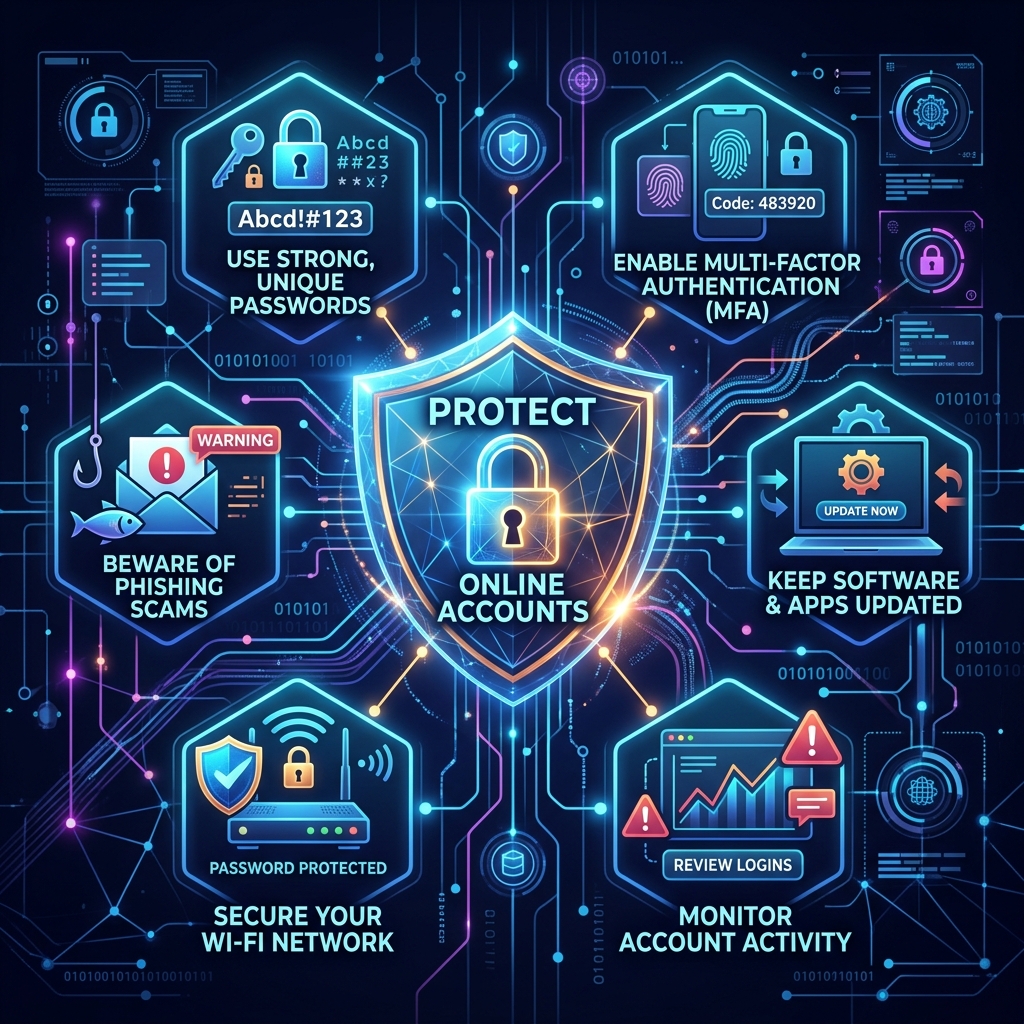
Password reuse is the single most common cause of account compromises. When one service is breached, attackers test the same credentials across hundreds of other platforms (credential stuffing). A password manager like Bitwarden, 1Password, or KeePass generates and stores unique, complex passwords for every account. You only need to remember one master password.
Tip 2: Enable Two-Factor Authentication Everywhere
2FA adds a second verification step after your password — typically a time-based code from an authenticator app. Even if your password is stolen, an attacker cannot access your account without the second factor. Enable 2FA on email, banking, social media, and every other account that supports it. Prefer authenticator apps over SMS-based codes, which can be intercepted through SIM swapping attacks.
Tip 3: Use a Temporary Email for Sign-Ups
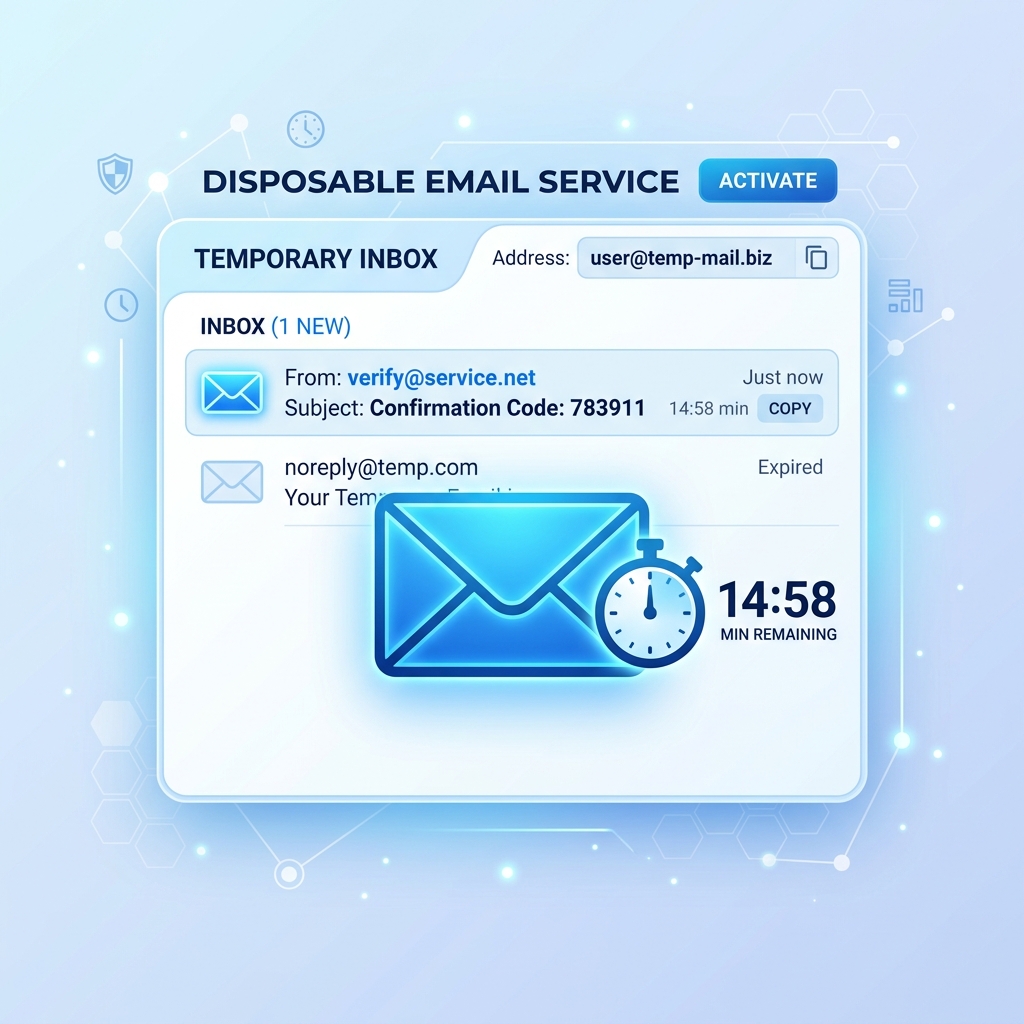
Every unnecessary account you create is a potential vulnerability. When you must create an account but don't fully trust the service, use a temporary email address. This protects your real identity and prevents your primary inbox from becoming a target for spam and phishing. It's one of the easiest and most effective privacy habits you can build — learn more in our complete guide to disposable email addresses.
Tip 4: Keep All Software Updated
Security vulnerabilities in operating systems, browsers, and apps are discovered constantly. Software updates patch these vulnerabilities before attackers can exploit them. Enable automatic updates for your OS, browsers, and apps, and never postpone security updates. This is especially critical for routers and smart home devices, which are frequently neglected.
Tip 5: Learn to Recognize Phishing Attempts
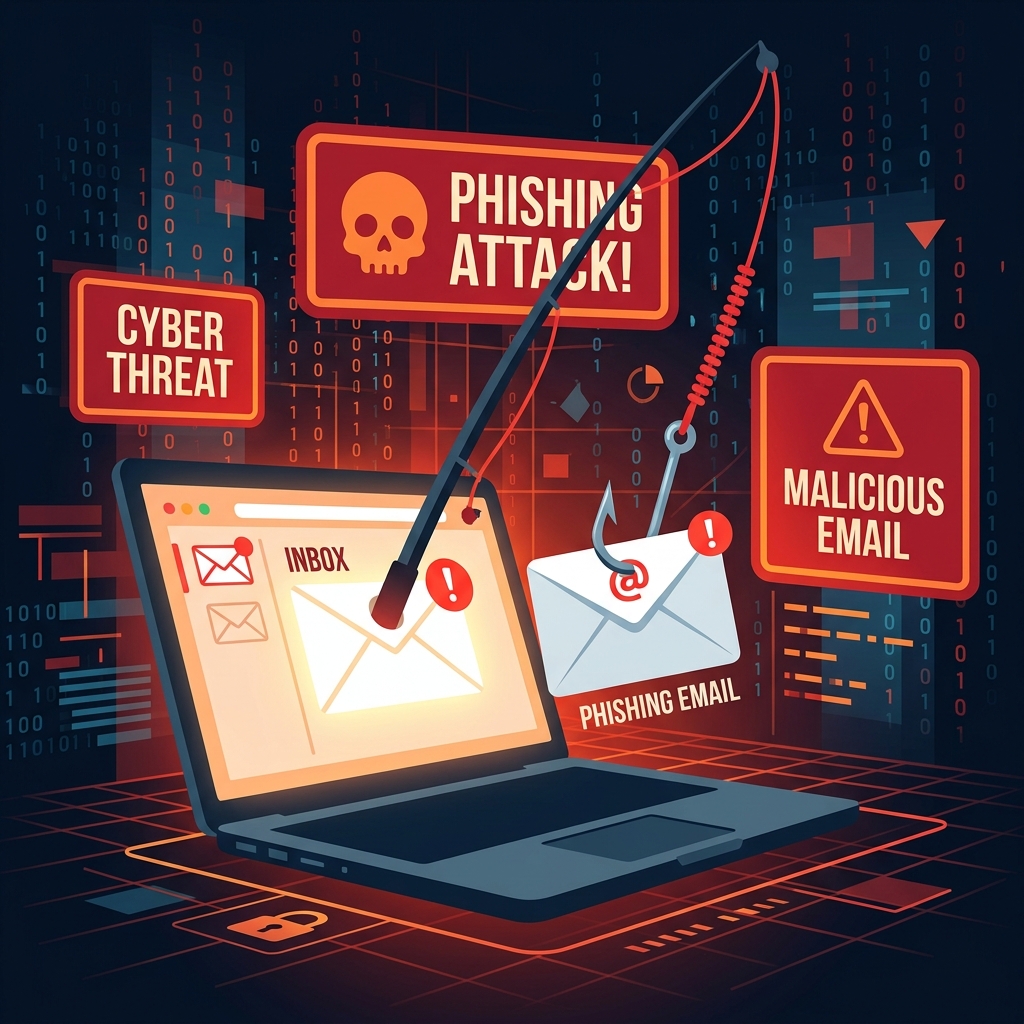
Phishing is responsible for over 80% of reported security incidents. Train yourself to pause before clicking any link in an email, especially those involving urgency, threats, or requests for personal information. Verify the sender's actual email address, hover over links before clicking, and when in doubt, navigate to the site directly in your browser rather than following the link. Read our detailed guide to spotting phishing attempts.
Tip 6: Use Encrypted Communication Tools
For sensitive personal conversations, use end-to-end encrypted messaging apps like Signal or WhatsApp. For email, services like ProtonMail encrypt messages so that even the provider cannot read them. These tools are especially important for sharing sensitive documents, financial information, or private discussions.
Tip 7: Secure Your Home Network
- Change the default username and password on your router immediately.
- Use WPA3 encryption (or WPA2 at minimum) for your Wi-Fi network.
- Create a separate guest network for IoT devices and visitors.
- Disable remote management features you don't use.
- Check for and install router firmware updates regularly.
Tip 8: Back Up Your Data Regularly
Ransomware attacks encrypt your files and demand payment to restore access. The only reliable defense is having clean, recent backups. Follow the 3-2-1 backup rule: keep 3 copies of your data, on 2 different media types, with 1 stored offsite (or in the cloud). Test your backups regularly to ensure they can actually be restored.
Tip 9: Review App Permissions Regularly
Mobile apps often request permissions far beyond what they need to function. A flashlight app should not need access to your contacts or location. Periodically review the permissions granted to apps on your phone and revoke any that seem excessive or unnecessary. On iOS and Android, this is accessible through the Settings > Privacy menu.
Tip 10: Monitor for Data Breaches
Sign up for breach notification at HaveIBeenPwned.com, which alerts you when your email appears in a known data breach. If you receive a notification, change your password for that service immediately, check if the same password was used elsewhere, and monitor your accounts for unusual activity.
Conclusion: Security Is a Habit, Not an Event
Cybersecurity is most effective when practiced consistently. You don't need to implement all ten tips overnight — pick two or three to start with today, then add more over time. The combination of strong passwords, 2FA, phishing awareness, and protective email habits like using a temporary email address will put you significantly ahead of the average internet user in terms of security posture.