Your Online Identity: More Exposed Than You Think
Most people dramatically underestimate how much of their personal identity is visible online. Even if you've never posted personal details on social media, your digital identity is being constructed every time you browse the web, use an app, or sign up for a service. Data brokers compile this information into detailed profiles that include your name, address, income range, health conditions, political views, and purchasing behavior.
This guide gives you practical tools to minimize your exposure and protect your identity from the most common threats.
Understanding Your Digital Footprint
Active vs. Passive Data Collection
Your digital footprint falls into two categories:
- Active data: Information you deliberately share — social media posts, form submissions, email sign-ups, app profiles.
- Passive data: Information collected without your direct awareness — cookies, browser fingerprints, IP addresses, location data, purchase history.
While you have more control over active data, passive data is collected silently and at massive scale. Addressing both types is essential for meaningful identity protection.
Protecting Your Email Identity
Your email address is the anchor of your online identity. It is used to log in to most services, recover accounts, and receive personal communications. Protecting it should be your first priority.
Use a Temporary Email for Non-Essential Services
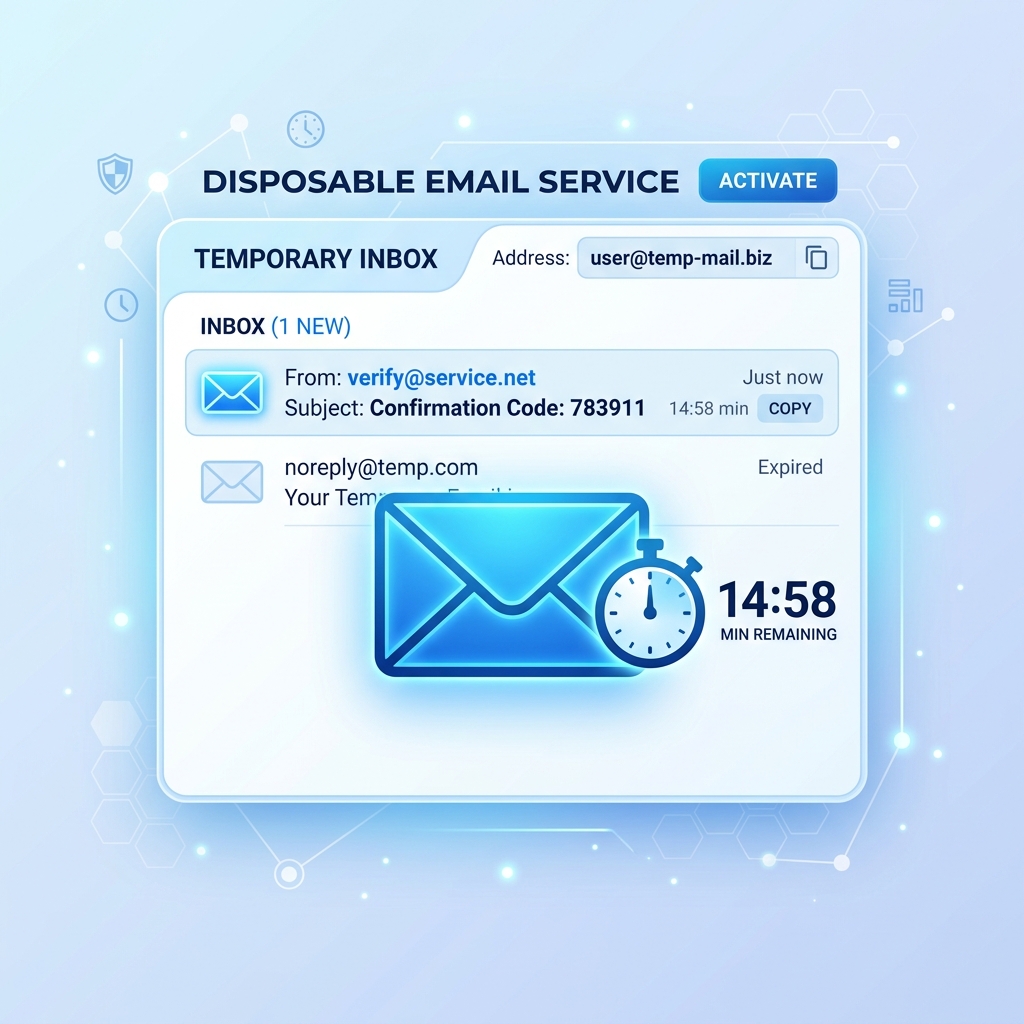
Every time you use your real email address on a new platform, you create a connection between your identity and that service. Using a temporary email address instead severs this link. The service gets the sign-up it requires; your real identity remains unknown. Read more about this approach in our guide to disposable email addresses.
Use a Unique Email for Each Category
Consider maintaining separate email addresses for different categories of online activity: one for work, one for personal use, one for shopping, one for newsletter subscriptions. This limits the damage if any single address is compromised.
Protecting Your Browsing Identity
Block Third-Party Trackers
Install a reputable tracker-blocking browser extension such as uBlock Origin. These tools block the scripts that websites use to follow you across the web and build advertising profiles. The difference in tracking between a protected and unprotected browser session is substantial — hundreds of trackers are blocked on a typical news website alone.
Manage Your Browser Fingerprint
Even without cookies, websites can identify you through browser fingerprinting — a technique that combines your browser version, plugins, screen resolution, time zone, and dozens of other variables to create a unique identifier. Browsers like Brave and Firefox with privacy extensions are designed to standardize these fingerprints, making you harder to track.
Use Private Browsing Mode — But Know Its Limits
Incognito or private mode prevents your browser from saving history locally, but it does not prevent websites, your ISP, or your employer from seeing your activity. For genuine anonymity, combine private mode with a VPN and a tracker blocker.
Protecting Your Social Media Identity
- Audit your privacy settings on every platform and set profiles to private or friends-only where possible.
- Remove your phone number and exact birthdate from public profiles — these are used for identity verification and social engineering.
- Unlink social logins ("Login with Google/Facebook") from apps you no longer use.
- Search for yourself online regularly to see what information is publicly available about you.
Protecting Your Financial Identity
Use Virtual Card Numbers
Several banks and services offer virtual credit card numbers for online shopping. These are one-time or merchant-specific card numbers linked to your real account. If the virtual number is stolen, it can be cancelled without affecting your actual card.
Monitor for Identity Theft
Set up alerts with your bank for any transactions above a certain amount. Use a credit monitoring service to be notified of new accounts opened in your name. Check HaveIBeenPwned.com to see if your email has appeared in known data breaches.
Conclusion: Identity Protection Is an Ongoing Commitment
Protecting your online identity is not a single action — it is a continuous set of habits and practices. Start with the foundations: protect your email address with temporary addresses and aliases, block trackers in your browser, enable 2FA on all accounts, and regularly audit your privacy settings.
Small, consistent actions compound over time into a significantly stronger privacy posture. The best time to start protecting your identity was yesterday. The second best time is right now. Begin by generating a free temporary email for your next online sign-up.