Introduction: The Password Problem
The average internet user has over 100 online accounts. Remembering a unique, complex password for each one is humanly impossible. Yet the consequences of password reuse are severe: one data breach at a single service can expose the credentials that protect your email, banking, and social media accounts.
In 2026, password management has evolved far beyond the old advice of "use a mix of characters and change it every 90 days." The modern approach involves password managers, passkeys, biometric authentication, and a fundamental shift in how we think about digital credentials. This article covers everything you need to know to manage your passwords securely and effortlessly.
Why Password Managers Are Non-Negotiable
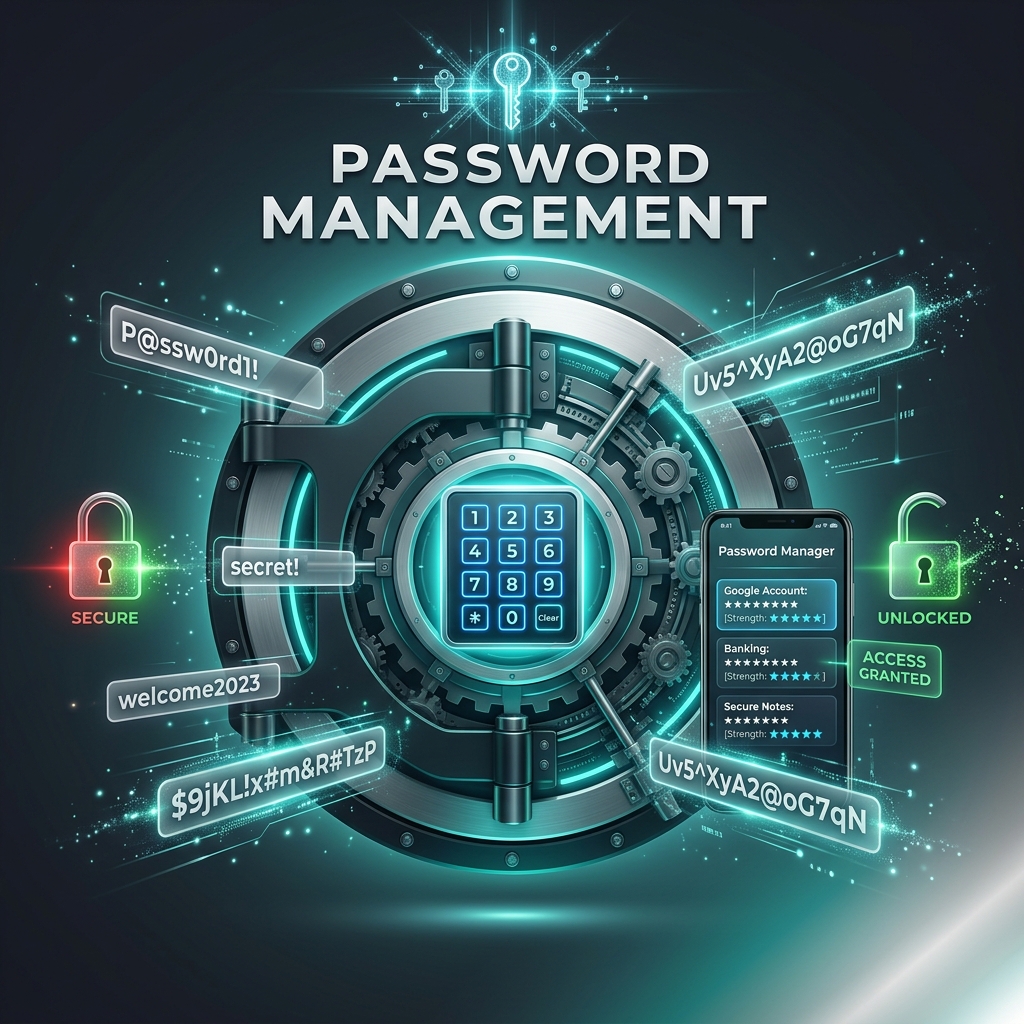
A password manager is a tool that generates, stores, and autofills strong, unique passwords for every account you own. You only need to remember one master password. All your other credentials are encrypted and stored in a secure vault that syncs across your devices.
The security benefits are overwhelming:
- No more password reuse: Every account gets a unique, randomly generated password that is mathematically uncrackable.
- Phishing protection: Password managers autofill credentials only on the exact website they were saved for, making it nearly impossible to fall for a fake login page.
- Breach monitoring: Most modern password managers alert you if any of your stored accounts appear in known data breaches, prompting you to rotate the password immediately.
- Convenience: You never need to type, remember, or reset a password again.
Popular options in 2026 include 1Password, Bitwarden (open-source), and Apple\'s iCloud Keychain. All of them use AES-256 encryption and zero-knowledge architectures, meaning even the provider cannot read your vault.
Creating a Strong Master Password
Your master password is the single most important credential you will ever create. It should follow these principles:
- Length over complexity: A passphrase of four to six random words is both easier to remember and harder to crack than a short string of random characters. For example, "correct-horse-battery-staple" is an excellent passphrase.
- Never reused: Your master password must be unique. Do not use it anywhere else, ever.
- Write it down (securely): Write your master password on a piece of paper and store it in a safe place, like a fireproof safe. Memorize it over time, then destroy the paper.
The Rise of Passkeys
Passkeys are a revolutionary alternative to passwords that are gaining widespread adoption in 2026. A passkey is a cryptographic key pair stored on your device (protected by biometrics or a PIN). When you log in to a website, your device uses its private key to sign a challenge, proving your identity without ever transmitting a secret over the network.
Passkeys are resistant to phishing, cannot be guessed, and eliminate the need to manage passwords altogether. Apple, Google, and Microsoft have all committed to passkey standards through the FIDO Alliance, and support is rapidly expanding across major websites and apps.
Biometrics as a Second Factor
Fingerprint scanners, facial recognition, and iris scanners provide a convenient and secure second factor for authentication. When combined with a password manager\'s master password, biometrics create a two-factor authentication loop that is both user-friendly and highly secure. Most modern smartphones and laptops include built-in biometric sensors that work seamlessly with password managers and passkey systems.
Regular Security Audits
Even with a password manager, regular maintenance is important:
- Check for compromised passwords: Use your password manager\'s built-in breach monitoring or the Have I Been Pwned service to see if any of your credentials have been exposed.
- Rotate critical passwords: Change the passwords for your email, banking, and password manager itself every six months or immediately after any suspected compromise.
- Remove unused accounts: If you no longer use a service, delete your account instead of leaving it dormant. Abandoned accounts are more likely to be compromised in future breaches.
- Enable 2FA everywhere: Your password manager vault should be protected by 2FA, and every service that supports 2FA should have it enabled. Learn more in our guide on Two-Factor Authentication: Why You Need It.
Password Management and Temporary Emails
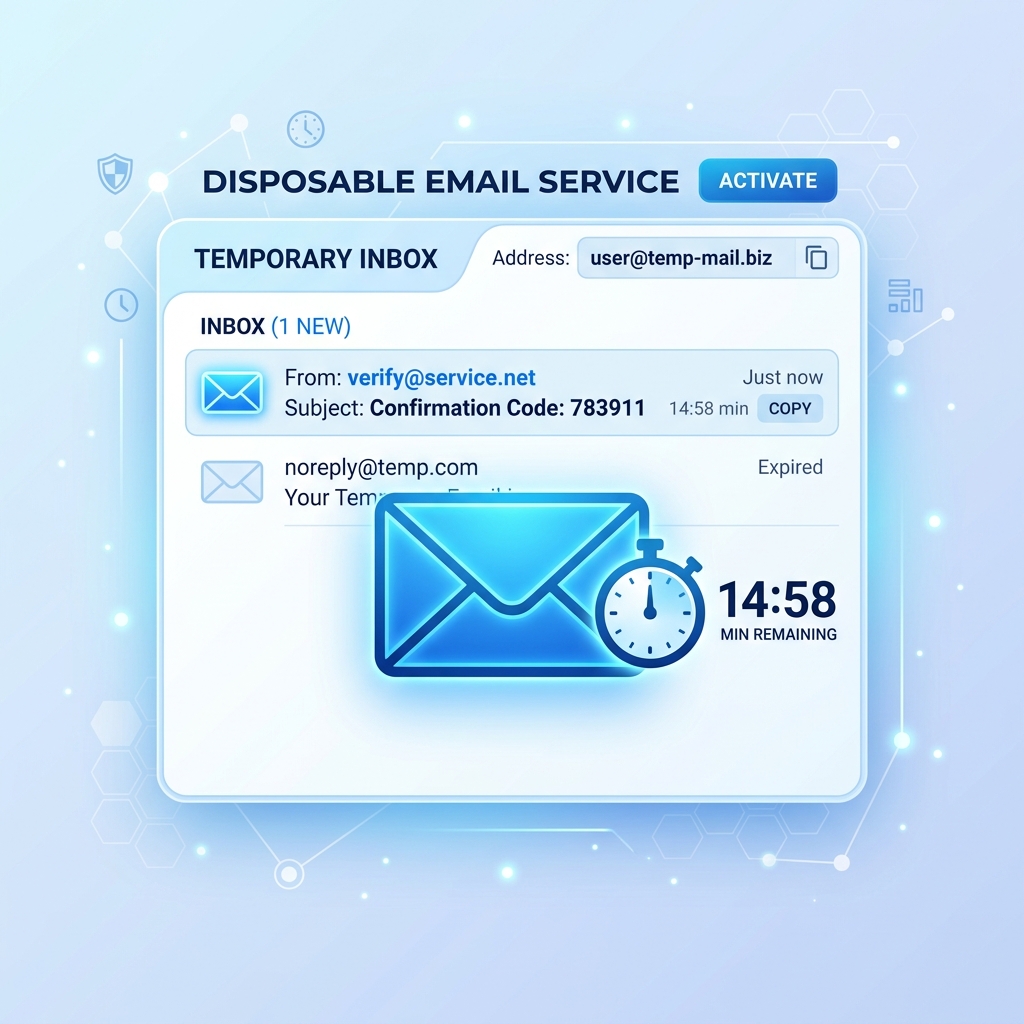
A password manager stores your credentials, but it cannot prevent companies from selling your email address or sending spam. That is where a temporary email address comes in. Use disposable emails for registrations on unfamiliar or one-off services, and your password manager handles the rest. This combination of tools creates a comprehensive system for managing your digital identity. For related strategies, see How to Avoid Unwanted Email Subscriptions.
Conclusion
Password management in 2026 is easier and more secure than ever, thanks to password managers, passkeys, and biometrics. The days of remembering dozens of passwords are over. Adopt a password manager today, enable passkeys wherever they are supported, and use 2FA on every account. Stop reusing passwords, start using a password generator, and pair it all with temporary email addresses for maximum privacy.
For the industry standard on password guidance, see the NIST Password Guidance.