Introduction: The Growing Threat of Phishing Sites
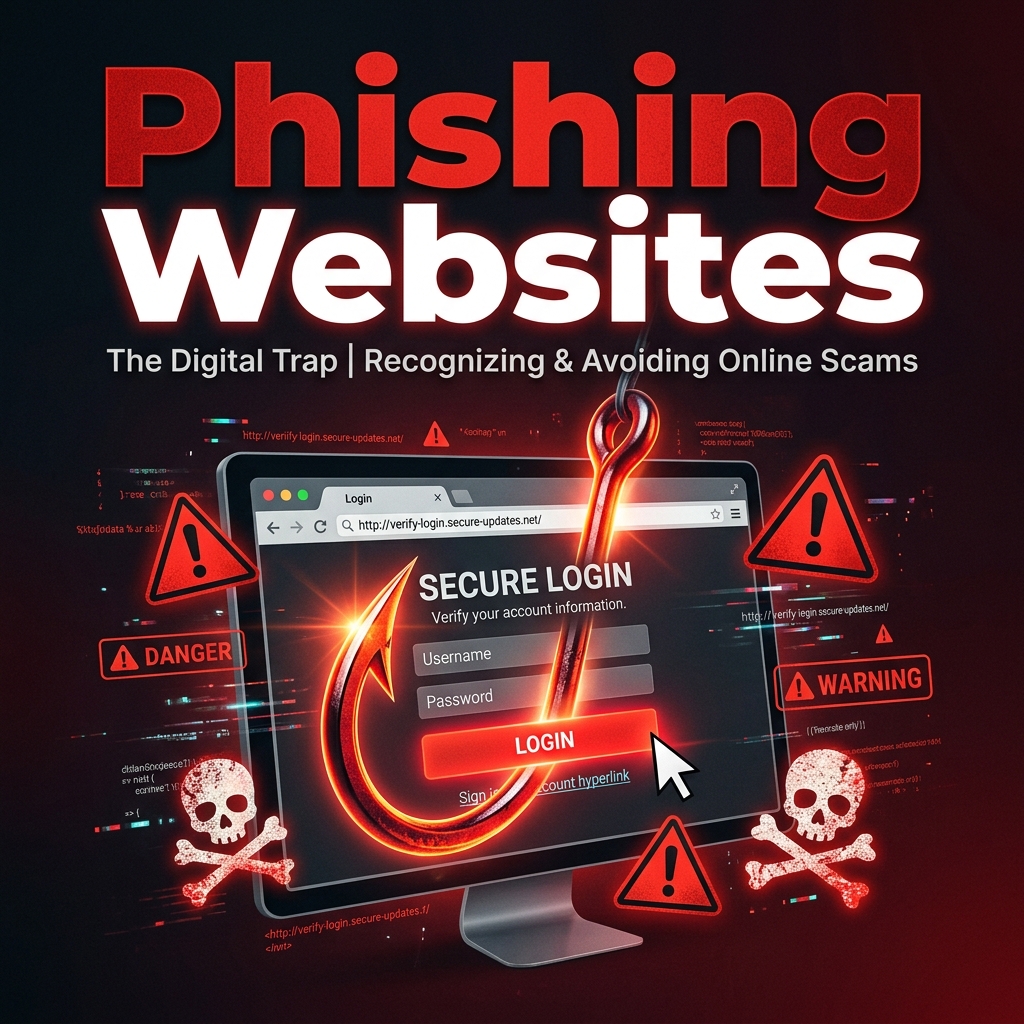
Phishing websites are fake pages designed to look identical to legitimate services. Their goal is to trick you into entering your username, password, credit card number, or other sensitive information. In 2026, phishing has become increasingly sophisticated, with attackers using AI-generated layouts, convincing domain names, and even HTTPS certificates to make their fake pages appear authentic.
According to the Anti-Phishing Working Group, phishing attacks have more than doubled in the past two years. No one is immune — technical expertise does not make you invulnerable to a well-crafted phishing page. What protects you is a systematic approach to verification. Here is how to spot a fake website every time.
1. Inspect the URL Carefully
The URL is your first and most important line of defense. Phishing sites rely on domain names that look similar to the real thing. Attackers use several tricks:
- Typosquatting: Slight misspellings like "goggle.com" instead of "google.com" or "amaz0n.com" instead of "amazon.com."
- Subdomain deception: Using a subdomain to create a false sense of legitimacy, such as "accounts.google.com.secure-login.com." The real domain is the last part before the TLD.
- Unusual TLDs: Legitimate companies almost always use .com, .org, or their country code TLD. Be suspicious of .xyz, .top, .club, or other less common TLDs on important sites.
Train yourself to read the domain name from right to left, starting after the protocol (https://). The portion immediately before the TLD is the actual domain. Everything before it is a subdomain and can be manipulated by anyone.
2. Check for HTTPS — But Do Not Trust It Blindly
HTTPS encrypts the connection between your browser and the server, but it does not verify that the server belongs to the organization it claims to represent. In 2026, obtaining a free TLS certificate from Let\'s Encrypt takes less than a minute. Every phishing site can have a valid green padlock. The presence of HTTPS means your data is encrypted in transit, but it does NOT mean the site is legitimate.
3. Look for Poor Design and Language
While AI-generated phishing pages are becoming more realistic, many still contain telltale signs:
- Low-resolution or stretched logos.
- Inconsistent fonts, colors, or spacing.
- Grammatical errors, awkward phrasing, or missing translations.
- Generic greetings like "Dear User" or "Dear Customer" instead of your name.
- Urgent or threatening language demanding immediate action.
4. Hover Before You Click
Before clicking any link, hover your mouse over it (or press and hold on mobile) to preview the destination URL in the status bar or a popup. If the displayed URL does not match the link\'s anchor text or seems unrelated to the context, do not click. This is especially important in emails, direct messages, and search ads.
5. Verify Using a Reputation Checker
If you are unsure about a website, do not enter any information. Instead, use a URL reputation checker to scan the domain before interacting with it. Our URL Reputation Checker can evaluate a domain against known blacklists, malware databases, and phishing reports to give you an immediate safety assessment.
6. Never Enter Credentials from an Email Link
This is one of the most important rules of online safety: if you receive an email asking you to log in to an account, do not click the link. Instead, open a new browser tab and type the website\'s URL manually. Phishing emails often mimic password reset notifications, account suspension warnings, and security alerts. Legitimate companies will never ask you to enter your password via a link in an email.
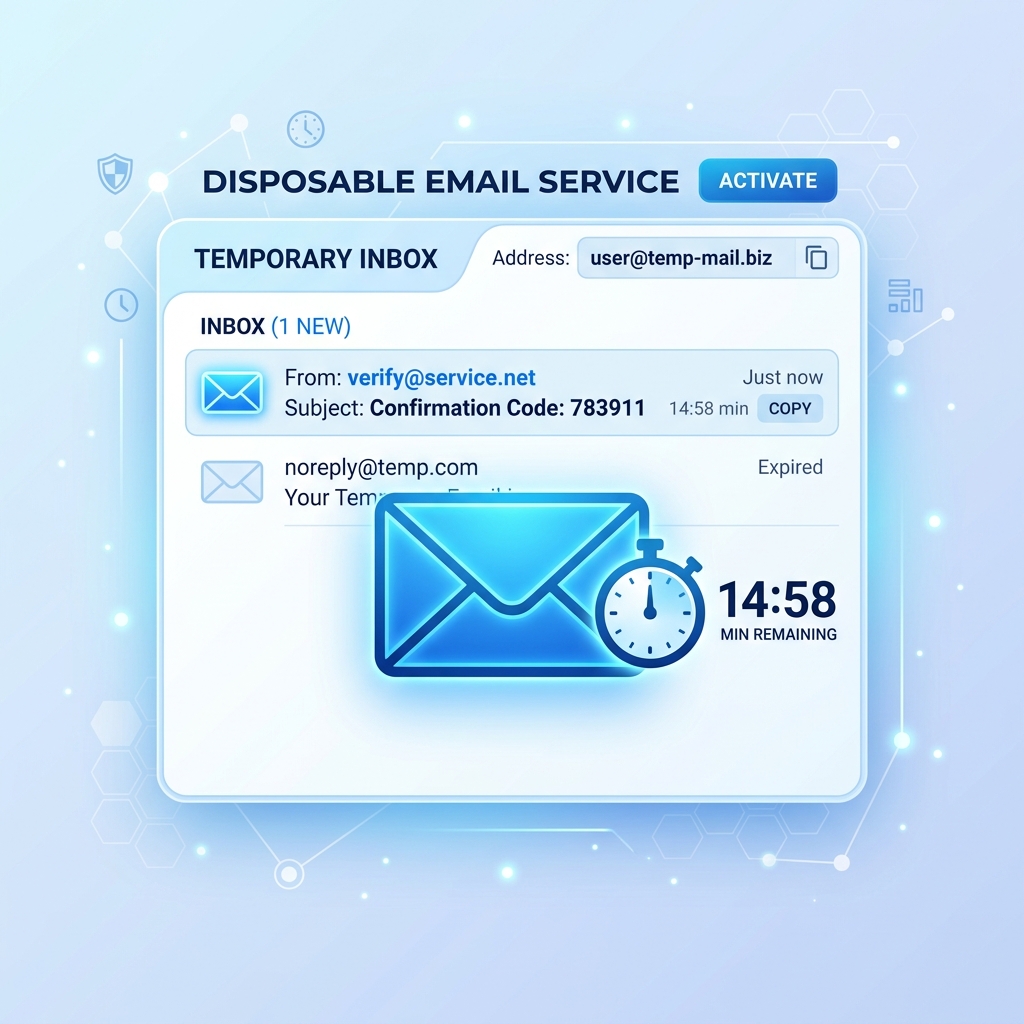
7. Use a Temporary Email for Unknown Registrations
Even if you successfully identify a legitimate website, there is always a risk that the site itself could be compromised or sell your data. By using a temporary email address for registrations on unfamiliar platforms, you ensure that even if a site turns out to be malicious, your primary email and identity remain protected. Read our article What Is a Disposable Email Address? for more on this strategy.
Conclusion
Phishing websites are becoming harder to detect, but a disciplined verification routine will keep you safe. Inspect the URL, question HTTPS, check for design flaws, hover before clicking, use reputation checkers, and never enter credentials via email links. Combine these habits with disposable email addresses for unknown services, and you create a formidable defense against credential theft.
For real-time protection, consider using Google Safe Browsing, which blocks millions of phishing URLs every day across Chrome and other browsers.