Introduction: Two Tools, Different Purposes
If you have spent any time researching online privacy, you have undoubtedly encountered two terms: VPN and proxy. Both tools route your internet traffic through an intermediary server, effectively masking your IP address from the websites you visit. But despite this surface similarity, they are fundamentally different technologies designed for different use cases.
Choosing the wrong one can leave you with a false sense of security. In this article, we break down exactly what a VPN and a proxy do, how they differ, and when you should use each one.
What Is a Proxy Server?
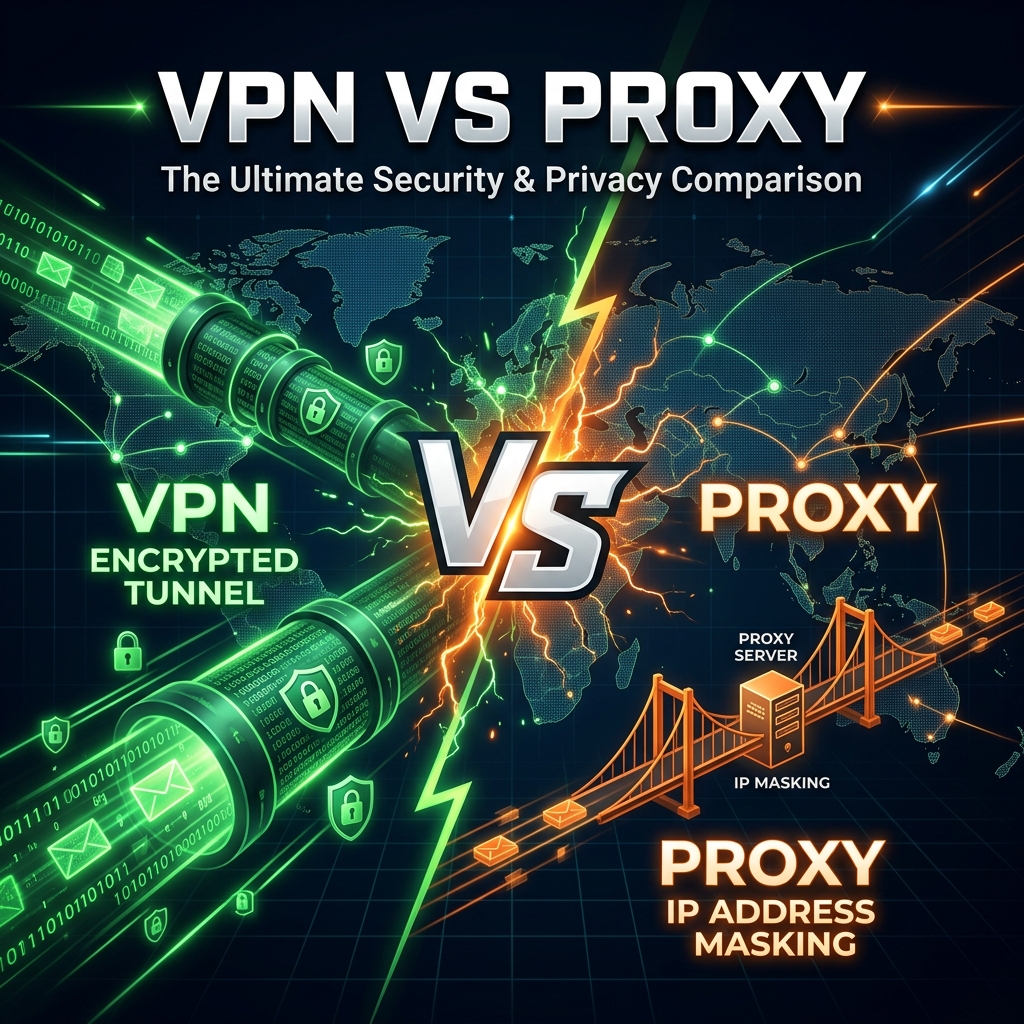
A proxy server acts as a gateway between your device and the internet. When you configure your browser to use a proxy, your traffic is sent to the proxy server first, which then forwards your request to the target website. The website sees the proxy's IP address, not yours.
Proxies operate at the application level — they typically work for a single application or protocol (such as HTTP or SOCKS). They do not encrypt your traffic by default. This makes them fast and lightweight but also significantly less secure.
Common Proxy Use Cases
- Bypassing geo-restricted content: Accessing a website that is blocked in your country by routing through a proxy in another location.
- Web scraping: Rotating through multiple proxy IPs to avoid rate limiting while collecting public data.
- Basic IP masking: Hiding your IP address from a specific website without needing full encryption.
What Is a VPN?
A Virtual Private Network (VPN) creates an encrypted tunnel between your device and a remote server operated by the VPN provider. All your internet traffic — not just browser traffic, but also apps, background services, and system updates — is routed through this encrypted tunnel. The VPN server decrypts the traffic and sends it to its final destination.
Because VPNs encrypt your entire internet connection and operate at the operating system level, they provide comprehensive privacy protection. Your ISP cannot see which websites you visit, and your traffic is protected from interception on public Wi-Fi networks.
Common VPN Use Cases
- Public Wi-Fi security: Encrypting all traffic when connected to untrusted networks like coffee shop or airport Wi-Fi.
- Privacy from your ISP: Preventing your internet service provider from logging your browsing history.
- Bypassing censorship: Accessing the open internet in countries with heavy government censorship.
- Remote work: Securely connecting to corporate networks and resources.
Key Differences at a Glance
| Feature | Proxy | VPN |
|---|---|---|
| Encryption | None (unless configured separately) | Full encryption by default |
| Scope | Single application or protocol | All system traffic |
| Speed | Faster (no encryption overhead) | Slightly slower (encryption overhead) |
| Setup | Simple, browser-level configuration | Requires installing an app |
| Cost | Often free, but unreliable | Typically paid, more reliable |
| Privacy protection | Low (IP only, no encryption) | High (full traffic encryption + IP masking) |
When to Use a Proxy
Proxies are ideal when you need a quick, lightweight solution for a specific task. For example, if you only need to check how a website looks from another country for testing purposes, a browser proxy is perfectly adequate. Similarly, developers frequently use proxies for API testing and web scraping.
When to Use a VPN
A VPN is the right choice when privacy and security are your primary concerns. Use a VPN when connecting to public Wi-Fi, when you want to prevent your ISP from tracking your online activity, or when you need to access geo-blocked content on any application on your device.
The Limitations You Should Know
Neither a VPN nor a proxy makes you completely anonymous. Both can leak your IP address through WebRTC, DNS requests, or IPv6 traffic if not configured correctly. Moreover, your traffic is only protected until it reaches the VPN or proxy server — the server itself can log your activity. Always choose a reputable provider with a verified no-logs policy.
Complementing VPNs with Other Privacy Tools
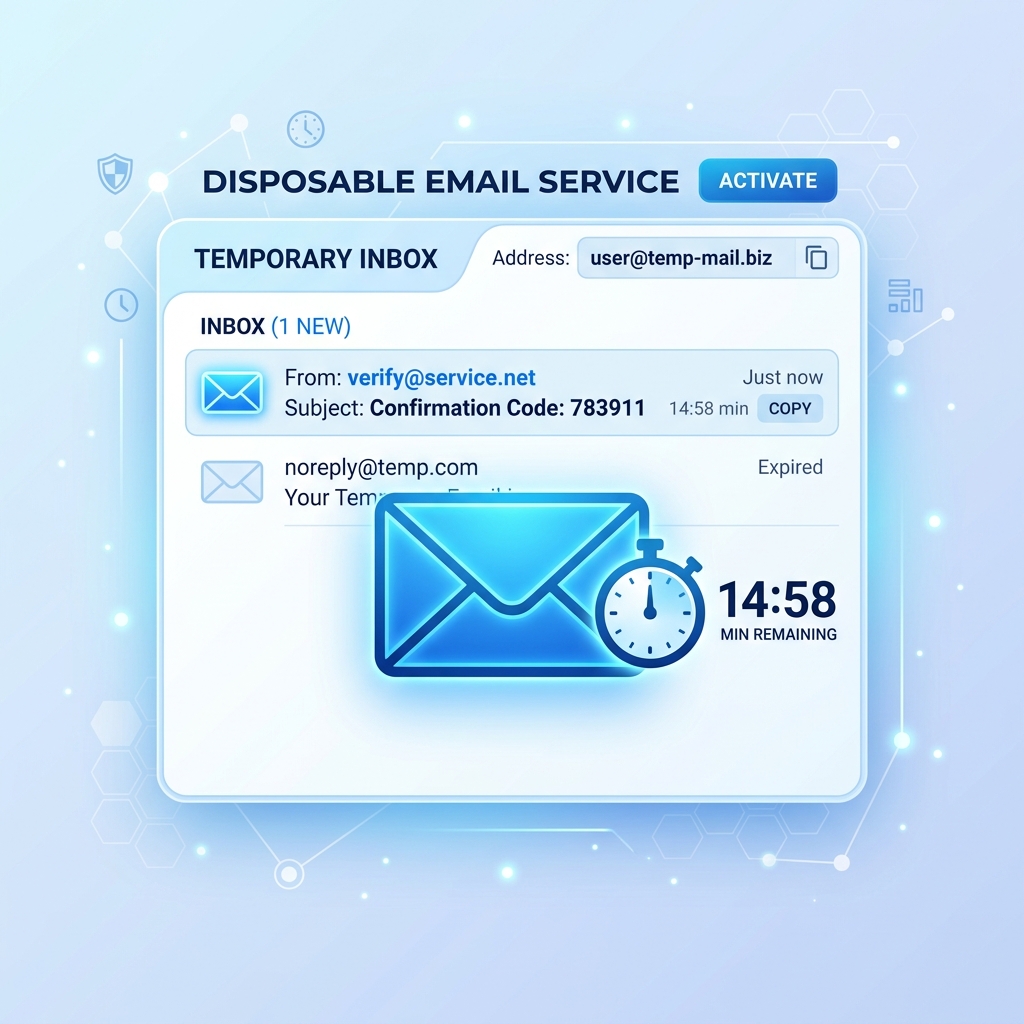
A VPN protects your connection, but it does not protect your email address or your identity when signing up for services. Combining a VPN with a temporary email service ensures that neither your real IP address nor your real email address is exposed during online registrations. For a broader perspective on digital privacy, read The Ultimate Guide to Online Privacy.
Conclusion
VPNs and proxies serve different purposes. Use a proxy for quick, single-application tasks where speed matters and encryption is not required. Use a VPN for comprehensive privacy protection, security on public networks, and whenever you need to encrypt all your internet traffic. Understanding the distinction ensures you pick the right tool for the job.
For further reading on securing your online activities, the Electronic Frontier Foundation\'s Privacy Guide is an excellent resource.