The Hidden Risks of Online Shopping
Shopping online has never been more convenient, but that convenience often comes at a steep price: your digital privacy. Every time you checkout at a new, unfamiliar e-commerce store, you are required to hand over your email address. While necessary for receiving order confirmations and shipping updates, this simple act opens the floodgates to a barrage of unwanted marketing newsletters, abandoned cart reminders, and promotional spam.
Even more concerning is the risk of data breaches. Smaller, less established online retailers often lack the robust cybersecurity infrastructure of giants like Amazon. If their database is compromised, your primary email address—which is likely tied to your banking, social media, and personal life—is exposed to hackers. Using a temporary email address for one-off online purchases is the ultimate shield against these threats, but it must be done correctly to ensure you do not lose track of your actual purchase.
Step-by-Step Scenario: Shopping on an Untrusted Website
Imagine you have found a specialized electronic gadget or a unique piece of clothing on a website you have never heard of before. The price is great, and they accept secure payment methods like PayPal (which protects your credit card), but they still demand an email address to process the order. Here is how you safely navigate this scenario using a disposable email:
Step 1: Generate Your Temporary Inbox
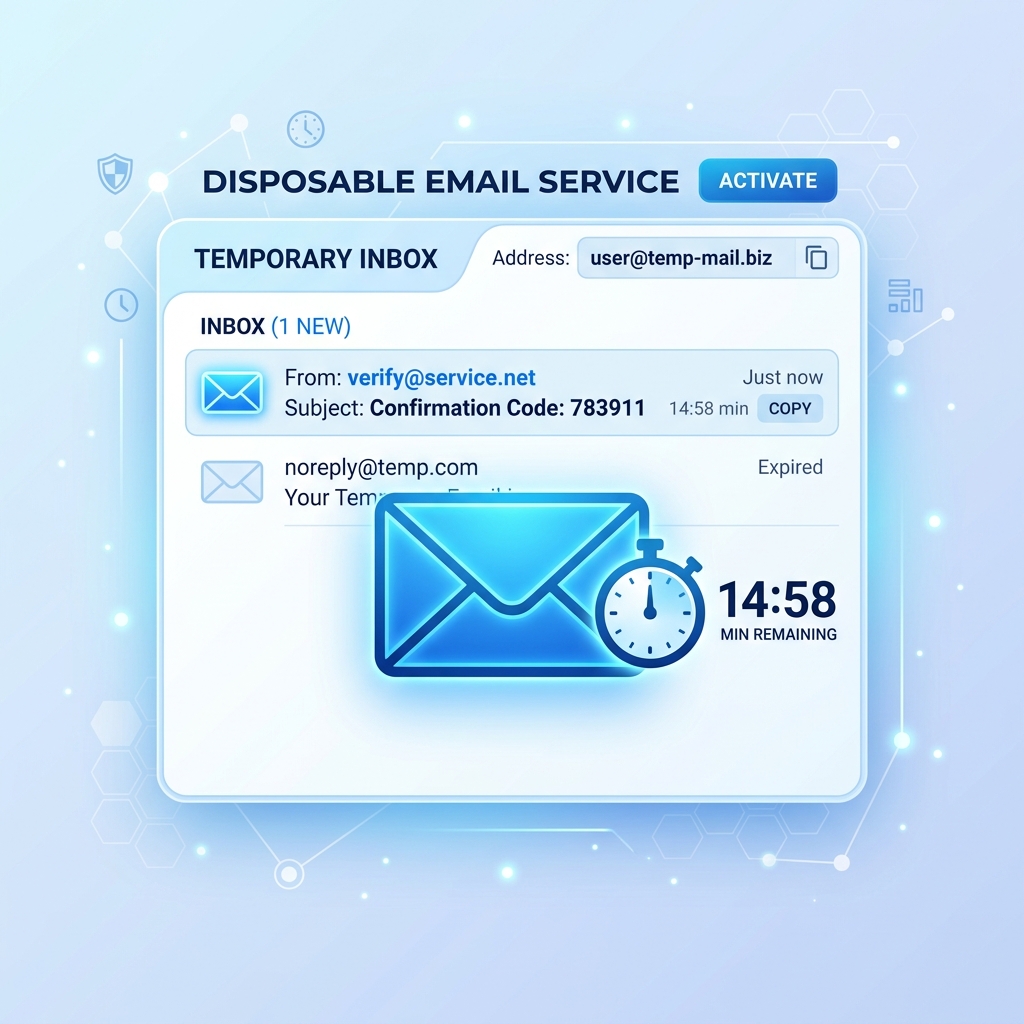
Before you even click "Add to Cart," open a new browser tab and navigate to a secure temporary email service like Tem-pmail. Instantly, the system will generate a fresh, unique email address for you. Leave this tab open. This is crucial—do not close this tab until your entire transaction and verification process is fully complete.
Step 2: Proceed to Checkout
Return to the e-commerce store and proceed through the checkout process. When prompted for your contact information, paste the newly generated temporary email address instead of your personal one. Complete the purchase using a secure, third-party payment processor to ensure your financial data is as protected as your email.
Step 3: Monitor for Immediate Confirmations
Switch back to your Tem-pmail tab. Within a few minutes, you should receive the initial order confirmation email. Open it, review the details, and most importantly, save a copy. You can either take a screenshot of the receipt, print it to a PDF, or copy the order number and tracking link into a local notes app. This step is vital because your temporary inbox will eventually expire.
Step 4: Handle Account Creation Prompts
Many stores will automatically create an account for you or prompt you to set a password after checkout. If you must set a password, generate a secure one. If you ever need to log back in to check the status of your order on their website, you will use the temporary email and this password. Just remember to record both in your password manager!
Crucial Tips to Avoid Losing Shipping Updates
The primary drawback of using a temporary email for shopping is that shipping updates often arrive days or weeks after the initial purchase, long after your temporary inbox has been purged. Here is how to manage this limitation effectively:
- Save the Tracking URL Immediately: The initial order confirmation almost always contains a direct link to a tracking page on the store's website. Save this URL locally. You do not actually need the follow-up shipping emails if you can just refresh the tracking page directly.
- Use SMS Tracking if Available: Many shipping carriers (like FedEx, UPS, or local postal services) allow you to opt-in to SMS text message updates once you have the tracking number. This removes the need for email entirely for delivery notifications.
- Create a Dedicated "Shopping" Alias Instead: If you expect a drawn-out shipping process (e.g., international shipping taking 4-6 weeks), a strict temporary email might not be the best tool. In these cases, consider using an email alias service that forwards to your main inbox, which you can turn off once the package arrives. Save temporary emails for digital downloads or services with instant delivery.
- Keep the Session Alive: If you are buying a digital product (like a software license key or a downloadable ticket), keep the temporary email tab open until you have successfully downloaded and activated the product. Once you have the asset secured on your hard drive, you can safely close the tab and let the email expire.
The "Before and After" of Inbox Management
To put this into perspective, let's look at the long-term impact of adopting this strategy:
Before using temporary emails: Your primary inbox is a chaotic mix of essential messages from family and work, buried under daily "15% OFF!" coupons from a store you bought a pair of socks from three years ago. You spend 10 minutes every morning mass-deleting promotional spam, and you occasionally miss important emails because they get lost in the noise.
After using temporary emails: Your primary inbox is a serene, organized space reserved exclusively for real humans and essential financial/administrative accounts. When you shop at random stores, they blast their marketing spam into the void of a long-deleted temporary address. You retain total control over who gets access to your digital attention.
Conclusion: Shop Smart, Stay Private
Protecting your email address should be treated with the same seriousness as protecting your credit card number. By integrating a temporary email workflow into your online shopping habits, you effectively sever the link between your purchasing behavior and your personal identity. The next time you find yourself at the checkout of an unknown online retailer, take the extra five seconds to generate a disposable address. Your future self, and your clutter-free inbox, will thank you.