The Shifting Landscape of Remote Work Security
The global shift toward remote work has fundamentally transformed how businesses operate, offering unprecedented flexibility and productivity. However, this transition has also dissolved the traditional corporate security perimeter. In 2026, the corporate firewall no longer protects the majority of employees. Instead, the front line of enterprise cybersecurity has shifted directly to the individual remote worker's home network, their personal devices, and most critically, their email inbox.
Email remains the undisputed primary vector for cyberattacks. Hackers recognize that it is far easier to trick a human being into clicking a malicious link than it is to brute-force a modern security system. For remote workers, who often blend personal and professional communications on the same devices, maintaining rigorous email security is not just an IT department requirement—it is a personal responsibility. A single compromised inbox can lead to devastating data breaches, financial loss, and severe reputational damage for both the employee and the organization.
The Rise of Spear-Phishing Targeting Remote Teams
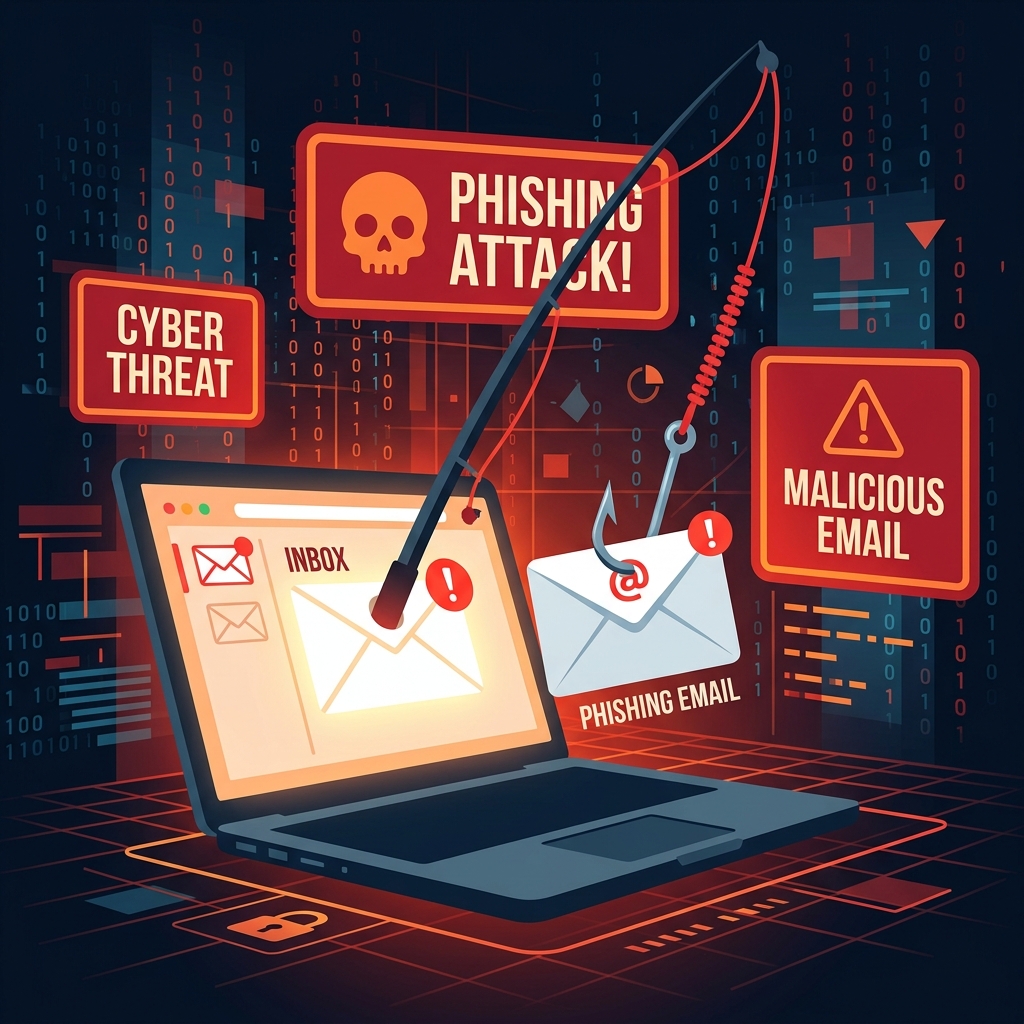
While traditional spam is largely caught by modern email filters, targeted attacks—known as spear-phishing—have become incredibly sophisticated. Unlike bulk phishing emails full of typos and generic greetings, spear-phishing is highly personalized. Attackers scrape LinkedIn profiles, social media, and data broker sites to craft convincing emails that appear to come from a CEO, HR manager, or trusted vendor.
For remote workers, the risk is elevated because they lack the ability to simply walk down the hall and ask a colleague, "Did you really send this request for an urgent wire transfer?"
Real-World Scenario: The Fake Invoice
Imagine a remote project manager receives an email appearing to be from their company's IT support desk. The email states that their Office 365 license has expired and provides a link to log in and renew it immediately to avoid service disruption. The login page looks identical to the real Microsoft portal. If the manager enters their credentials, the attacker instantly captures them. Within minutes, the attacker logs into the real account, downloads sensitive client files, and sets up forwarding rules to monitor all future correspondence. This entire disaster stems from one momentary lapse in email judgment.
Core Email Security Best Practices for 2026
To defend against these evolving threats, remote workers must adopt a proactive and layered approach to email security. Implementing the following best practices is essential for securing your digital workspace.
1. Implement Unbreakable Passwords and Password Managers
The era of memorizing a single, slightly complex password and using it across multiple platforms is over. A compromised password on a low-security forum can easily be cross-referenced by hackers to access your professional email.
- Use a Password Manager: Employ a reputable password manager (like Bitwarden, 1Password, or your enterprise solution) to generate and store unique, randomized passwords (e.g., Xj9!pLm@4vQz2$wk) for every single account you use.
- Never Reuse Credentials: Your work email password must be entirely unique and never used for personal social media, shopping sites, or streaming services.
2. Mandate Multi-Factor Authentication (MFA)
Even the strongest password can be stolen via phishing. Multi-Factor Authentication (often referred to as 2FA) acts as a critical safety net. Even if a hacker obtains your password, they cannot access your inbox without the second verification factor.
- Beyond SMS: Avoid SMS-based 2FA, as it is vulnerable to SIM-swapping attacks. Instead, use authenticator apps (like Google Authenticator or Authy) or hardware security keys (like YubiKey) for robust, cryptographic verification.
3. Secure Your Connection: Beware of Public Wi-Fi
One of the perks of remote work is the ability to work from coffee shops, airports, or co-working spaces. However, public Wi-Fi networks are notoriously insecure. Hackers on the same network can use packet-sniffing tools to intercept unencrypted traffic, potentially capturing session cookies or email data.
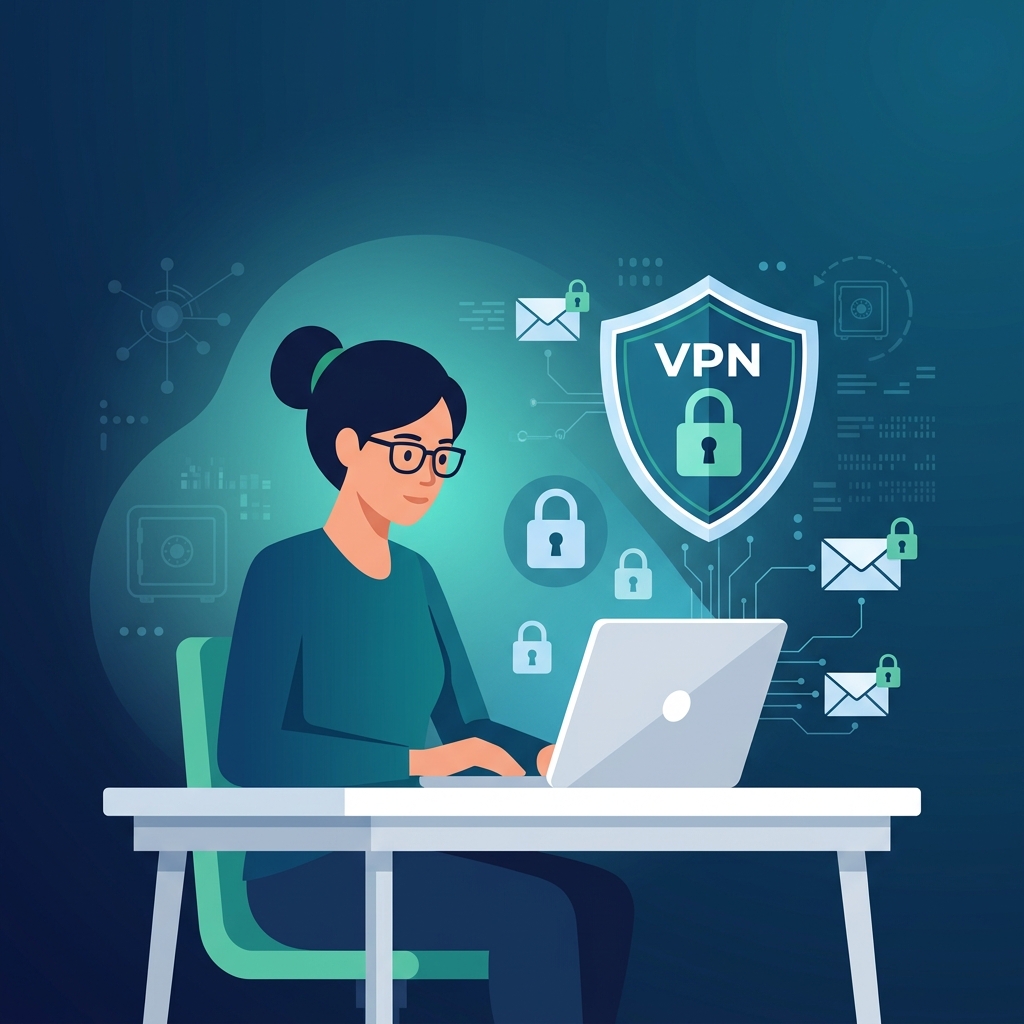
- Always Use a VPN: When connecting to any network outside your trusted home environment, always route your traffic through a reliable Virtual Private Network (VPN). This encrypts your data tunnel, shielding your email communications from local eavesdroppers.
4. Verify Before You Trust (Zero Trust Mentality)
Adopt a "Zero Trust" mindset when evaluating incoming emails, especially those demanding urgent action or involving financial transactions.
- Inspect the Sender Address: Do not just look at the display name. Click or hover to reveal the actual email address. An email from "CEO John Doe" might actually be coming from john.doe.executive@gmail.com instead of the official corporate domain.
- Verify Out-of-Band: If you receive an unusual request involving money, passwords, or sensitive data, verify it through a different communication channel. Send a Slack message, make a quick phone call, or start a new email thread (do not hit reply) to confirm the request is legitimate.
5. Isolate Personal and Professional Identities
Mixing personal and professional online activities creates a massive attack surface. If you use your work email to sign up for random newsletters, online shopping, or web forums, you increase the likelihood of that address ending up in a data breach or spam list.
- Strict Separation: Never use your corporate email address for anything other than official business.
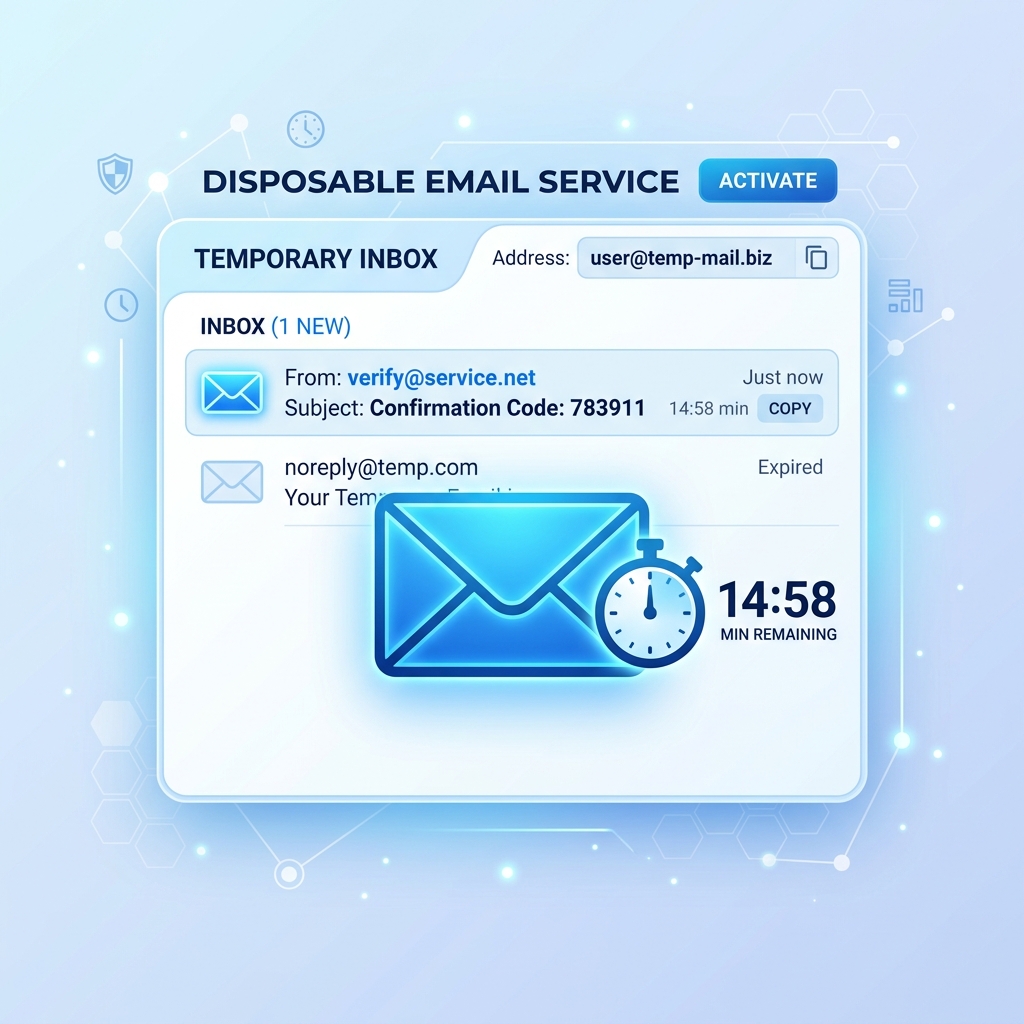
- Utilize Temporary Emails for Noise: For tasks that require an email address but aren't strictly professional—such as downloading a whitepaper, registering for a one-off webinar, or testing a new software tool—leverage a service like Tem-pmail. By using a disposable email, you protect your primary inbox from clutter, tracking pixels, and potential phishing vectors disguised as marketing material.
The "Before and After" of Email Security Hygiene
Before implementing best practices: A remote worker uses the same password for their work email and their personal LinkedIn. They occasionally check work emails on airport Wi-Fi without a VPN. Their inbox is flooded with vendor spam because they use their work address for every software trial. They are one phishing link away from a major corporate breach.
After implementing best practices: The same worker uses a password manager, hardware 2FA keys, and a strict VPN policy. Their work inbox is pristine because they funnel all random software trials through temporary disposable emails. When a sophisticated phishing email does arrive, their Zero Trust mindset catches the spoofed domain immediately. They are a hardened target.
Conclusion: Security is a Continuous Process
Email security for remote workers is not a one-time setup; it requires continuous vigilance and adaptation. Hackers are constantly refining their techniques, leveraging AI to write better phishing emails, and finding new ways to slip past traditional filters. By establishing strict boundaries between personal and work data, utilizing strong authentication, and treating every unexpected email with healthy skepticism, remote workers can confidently navigate the digital workspace and protect their organization's most valuable assets.